People & Talent
Screening Call Template
Add this template to your Jamie account or sign up and try it.
Use template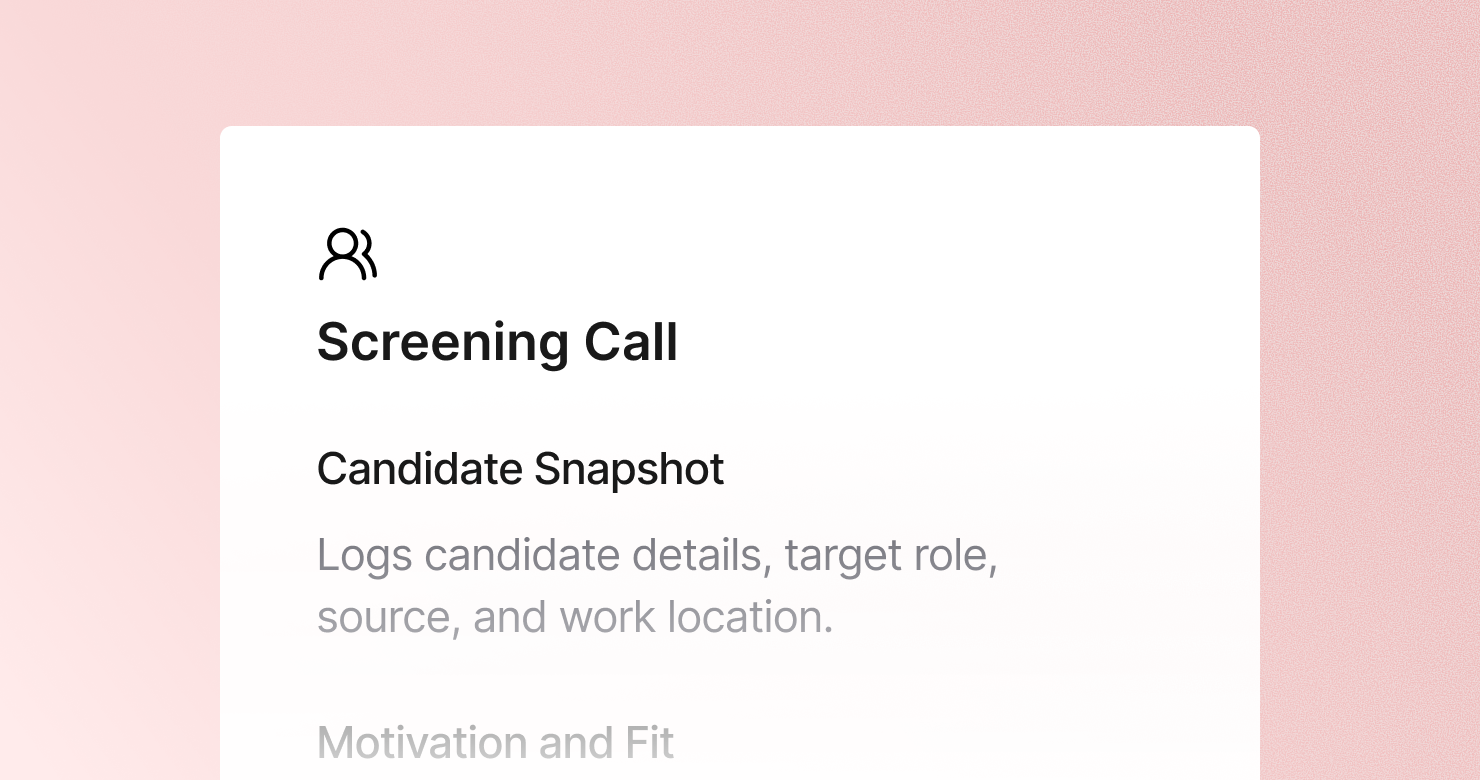
A screening call template is a structured format for documenting initial phone or video screens with job candidates. It defines what to capture from each conversation: the candidate's basic facts, their motivation for the role and the company, a high-level assessment of their relevant experience, the practical logistics around salary and availability, and a clear go or no-go recommendation with reasons. The goal is to produce a concise record that gives the hiring manager a confident advance or pass decision in under 60 seconds of reading - so the right candidates move forward fast and the wrong ones don't consume interview loop capacity.
About this template
This template has five sections. Each one tells Jamie what to capture during a screening call and how to structure the output.
Section 1: Candidate Snapshot
Captures the essential facts: name, current role and company, position applied for, how they found the opening, and location or remote work situation.
Section 2: Motivation and Fit
Documents why they are looking, why this company attracted them, what they know about the role, and what they are looking for in their next position.
Section 3: Relevant Experience
A high-level assessment of whether their background matches the role - key experience in 1 to 3 sentences, years in the relevant domain, matching skills, and any gaps.
Section 4: Logistics and Expectations
Captures salary expectations, notice period, earliest start date, other processes they are in, and any visa or scheduling constraints.
Section 5: Screening Verdict
A clear recommendation: advance, no, or maybe. Top reasons to advance, top concerns, and suggested next step including who should interview them and what topics to probe.
Why Teams Use This Template
Screening calls are high volume and the notes need to be fast to produce and fast to read
A recruiter running 15 screens a week cannot spend 20 minutes writing up each one. And a hiring manager reviewing 15 candidates cannot read a wall of text per person. A structured five-section format that produces a 60-second read is the only format that works at screening volume.
Logistics mismatches that surface late kill deals that should never have progressed
Salary expectation 40% above budget. Needs three months notice. Already in final rounds elsewhere with an offer expected next week. These are screening-stage facts that should stop a candidate from consuming interview loop capacity. A structured logistics section ensures they surface immediately.
Screening verdicts without reasons waste the hiring manager's time
"Strong candidate" is not actionable. "Strong on technical background and company knowledge, concern around timeline - competing offer expected in 10 days" is. A structured verdict section forces the recruiter to articulate the reasons, making the hiring manager's review faster and better.
High-volume hiring requires consistent structure to stay organized
When every screening call produces notes in the same five-section format, comparing 20 candidates across a hiring push is fast. Jamie applies the template automatically after every call.
How to Use This Template in Jamie
Jamie works natively on your device. No bot joins your call, no meeting link needed. Use it across every online platform, capture in-person meetings via your laptop or phone, and get structured notes in 100+ languages - and your data stays on EU servers, fully encrypted, GDPR compliant.
Step 1: Add the Screening Call template in Jamie under Settings > Templates - or click Use this template to load it automatically.
Step 2: Start your screen on any platform: Zoom, Teams, Google Meet, or phone.
Step 3: Within minutes of the call ending, your notes appear structured in five sections.
Step 4: Switch templates after the fact if needed. Jamie regenerates the summary in the new format.
Built for recruiting teams
Jamie processes and stores your data only within the EU. All data is encrypted with AES-256 in transit and at rest. No third-party bot sits in your call. Audio is streamed for transcription and never stored. The template works with any meeting platform and handles calls in 100+ languages.
FAQS
A screening call template should include five sections: a candidate snapshot with basic facts, motivation and fit covering why they are interested and what they are looking for, a high-level relevant experience assessment, logistics and expectations capturing salary, notice period, and competing offers, and a clear screening verdict with reasons to advance or pass.
The key is a short, structured format that produces a quick read rather than a detailed narrative. Recruiters use Jamie to apply a screening call template automatically, so structured notes are ready within minutes of the call ending - no write-up required.
A screening call should cover five areas: why the candidate is looking and why this role attracted them, whether their background matches the core requirements, practical logistics around salary and availability, where they are in other processes, and a clear verdict on whether they should advance. The Jamie Screening Call template is structured around exactly these five areas.
Structured screening notes in a consistent five-section format are the most efficient handoff. The hiring manager can read the candidate snapshot, motivation, experience summary, logistics, and verdict in under a minute. Jamie produces those structured notes automatically after every screening call.
Yes. Jamie works natively on your device with no bot joining the call. Candidates do not see a recording notification, which helps maintain a natural, conversational screening atmosphere.