People & Talent
Performance Review Template
Add this template to your Jamie account or sign up and try it.
Use template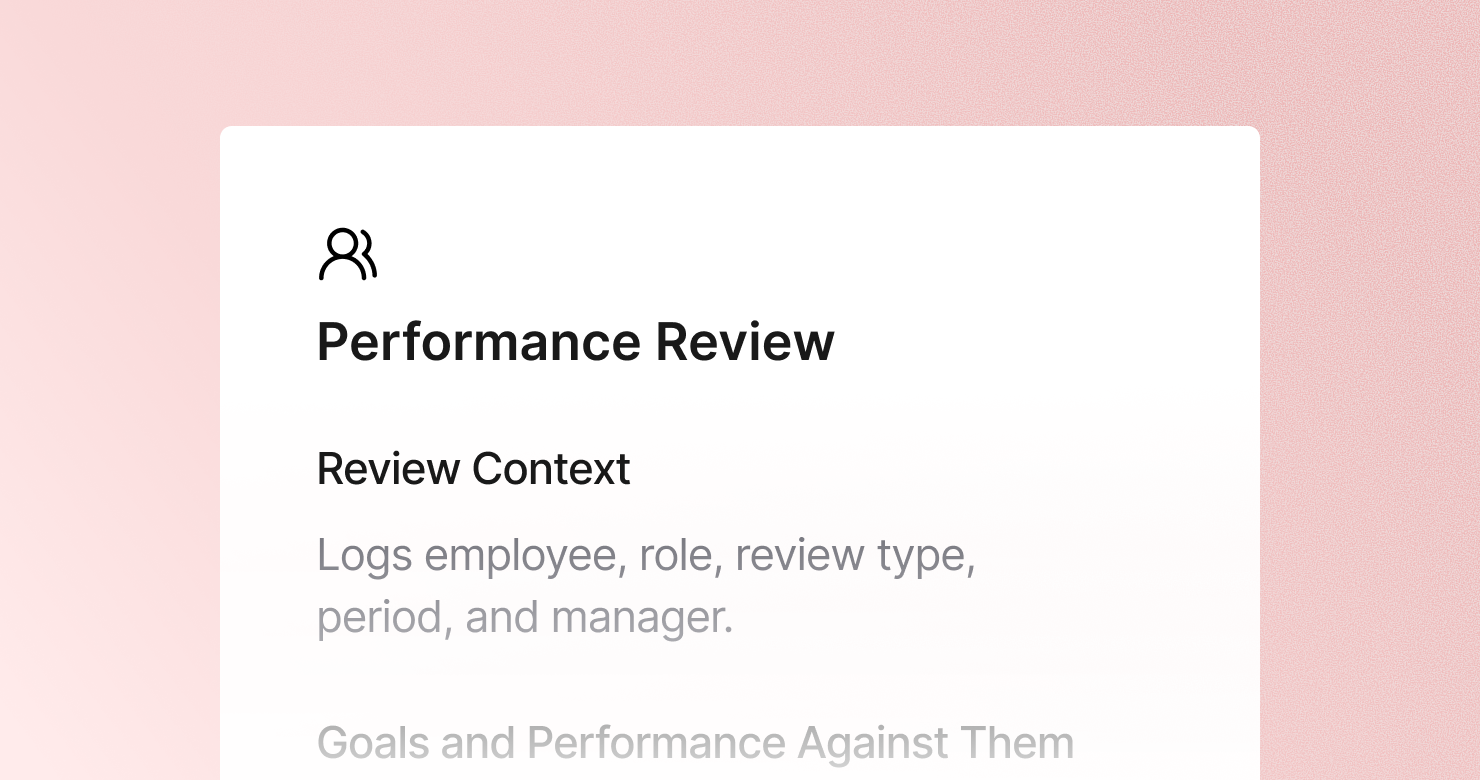
A performance review template is a structured format for documenting performance review conversations between a manager and an employee. It defines what to capture from each session: the review context and period, progress against each goal set for the period with specifics, the top strengths demonstrated with examples, development areas with direct and actionable feedback, goals for the next period with clear success criteria, and the overall rating and any compensation outcome. The goal is to produce a complete, evidence-based record of the review conversation - so the feedback is specific and usable, the goals are documented and trackable, and the outcome is clear to both parties.
About this template
This template has six sections. Each one tells Jamie what to capture during a performance review and how to structure the output.
Section 1: Review Context
Captures the basic setup: employee name and role, review period, manager, and whether this is a mid-cycle check-in, formal annual review, or probation review.
Section 2: Goals and Performance Against Them
Evaluates progress on each goal set for the period - met, partially met, or missed - with key results and outputs. Notes any goals that were added, changed, or deprioritized mid-period and why.
Section 3: Strengths and Highlights
Documents the top 2 to 3 strengths demonstrated with specific examples, the employee's impact on the team or business, and any standout moments from the period.
Section 4: Development Areas and Feedback
Captures the top 1 to 3 development areas with specific examples and actionable feedback. Notes how the employee responded and any patterns from previous reviews.
Section 5: Goals for Next Period
Documents the 3 to 5 goals for the upcoming period, what success looks like for each, and the resources or support the employee needs.
Section 6: Overall Rating and Compensation
Captures the formal outcome: overall rating, any compensation changes discussed, and the employee's reaction. Notes any open questions or disagreements.
Why Teams Use This Template
Vague performance feedback is not useful to anyone
"Communication needs improvement" is not actionable. "Needs to provide status updates to stakeholders proactively rather than waiting to be asked, as this caused three deadline surprises in Q3" is. A structured development section forces the specificity that makes feedback usable.
Goals set in January are forgotten by December without a structured record
When goals are documented in a structured review note at the start of a period, both manager and employee have a reference point for every 1:1 and mid-cycle check-in. When they live in a verbal agreement, they get forgotten or remembered differently.
Compensation conversations need a clear record
What was agreed, what was communicated, and how the employee responded - these are the details that matter if a compensation conversation is ever revisited. A structured note creates that record automatically.
Managers spend less time writing reviews and more time preparing for them
A performance review write-up done manually takes significant time. With this template, Jamie produces structured notes within minutes of the review conversation ending - so the manager can focus on preparing good feedback rather than documenting it.
How to Use This Template in Jamie
Jamie works natively on your device. No bot joins your call, no meeting link needed. Use it across every online platform, capture in-person meetings via your laptop or phone, and get structured notes in 100+ languages - and your data stays on EU servers, fully encrypted, GDPR compliant.
Step 1: Add the Performance Review template in Jamie under Settings > Templates - or click Use this template to load it automatically.
Step 2: Start your review on any platform: Zoom, Teams, Google Meet, or in person.
Step 3: Within minutes of the meeting ending, your notes appear structured in six sections.
Step 4: Switch templates after the fact if needed. Jamie regenerates the summary in the new format.
Built for managers and HR teams
Jamie processes and stores your data only within the EU. All data is encrypted with AES-256 in transit and at rest. No third-party bot sits in your call. Audio is streamed for transcription and never stored. The template works with any meeting platform and handles conversations in 100+ languages.
FAQS
A performance review template should include six sections: review context, a goals assessment with specific results for each goal, top strengths with concrete examples, development areas with direct and actionable feedback, goals for the next period with clear success criteria, and the overall rating and compensation outcome.
Effective documentation captures specifics - not impressions. For each section, the notes should include concrete examples, actual numbers, and direct quotes where possible. Managers use Jamie to apply a performance review template automatically, so structured notes are ready within minutes of the conversation ending.
Actionable feedback names a specific behavior, gives a concrete example of where it showed up, and describes the impact. The Jamie Performance Review template has a dedicated development areas section structured around exactly this format - so the feedback captured is specific enough to be useful, not just documented.
Goals set in a performance review should include what success looks like and how it will be measured - not just a topic area. The next period goals section of the Jamie Performance Review template captures the goal, the success criteria, and the resources needed, so both manager and employee have a shared and documented reference point.
Yes. Jamie works natively on your device with no bot joining the call. This matters for performance reviews specifically, where a personal and sometimes sensitive conversation benefits from a natural, private setting.