Sales & Revenue
Sales Check-In Template
Add this template to your Jamie account or sign up and try it.
Use template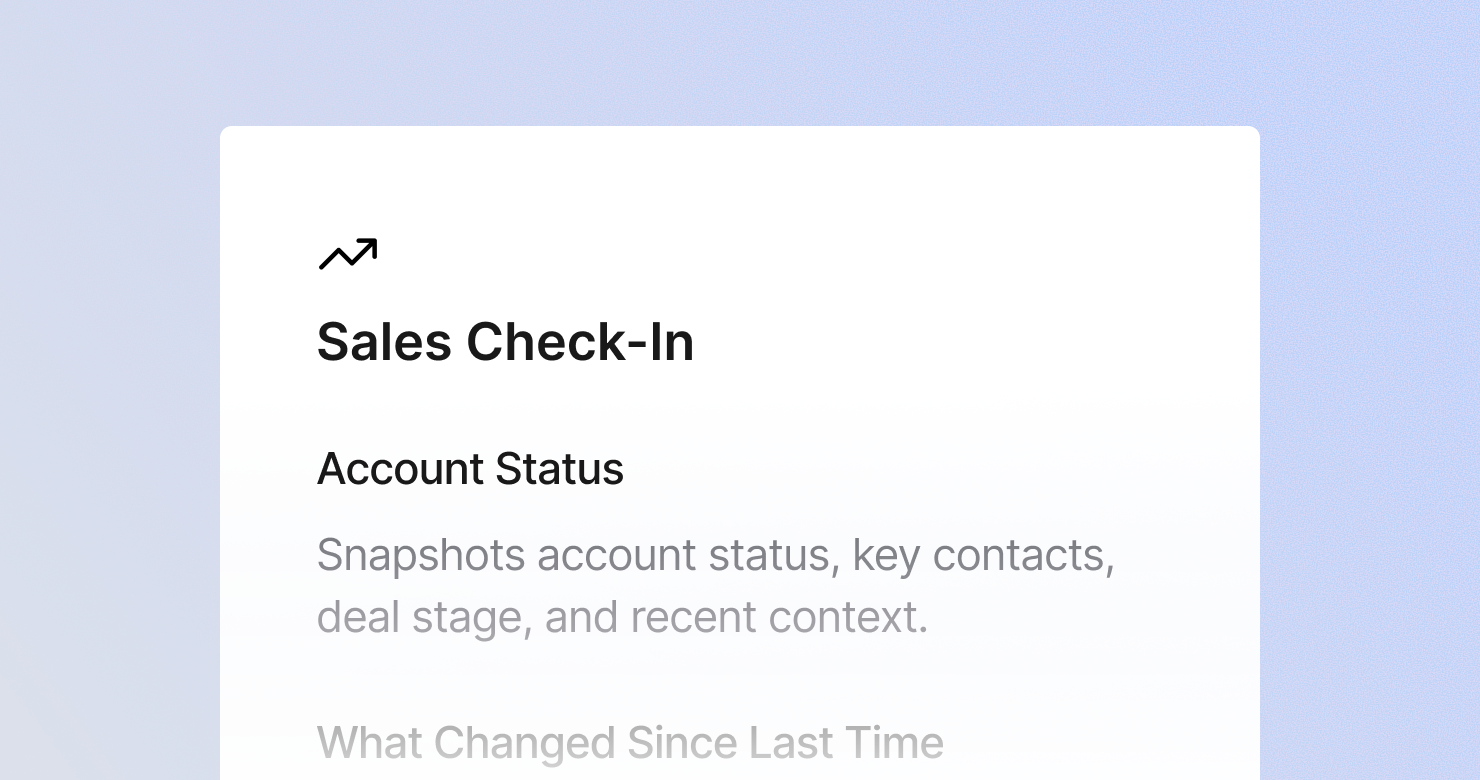
A sales check-in template is a structured format for documenting recurring check-in calls with existing customers or active deals. It defines what to capture from each conversation: the current state of the account or deal, everything that changed since the last call, risks and blockers that threaten the relationship or the close, signals that the account could expand, action items with clear owners, and the agenda for the next meeting. The goal is to produce a consistent record of every touchpoint so nothing falls through the cracks across a long sales cycle or customer relationship.
About this template
This template has six sections. Each one tells Jamie what to capture during a sales check-in and how to structure the output.
Section 1: Account Status
Captures the current state of the account or deal in one snapshot: account name, key contacts on the call, current stage, and any relevant context since the last check-in.
Section 2: What Changed Since Last Time
Documents everything that moved, shifted, or evolved: progress on action items from the last meeting, changes in their team or priorities, and new information about needs or timeline. If nothing meaningful changed, that is noted explicitly - stagnation is a signal.
Section 3: Risks and Blockers
Lists anything that threatens the deal or the relationship: unresolved issues, signs of disengagement, competitive threats, or internal blockers on their side like budget freezes or reorganizations.
Section 4: Expansion and Upsell Signals
Captures any signals that the account could grow: new teams or use cases mentioned, questions about higher-tier features, upcoming initiatives that create new needs.
Section 5: Action Items
Lists every follow-up action with a clear owner and deadline from both sides.
Section 6: Next Meeting
Captures the date, topics for next time, and any materials or prep needed.
Why Teams Use This Template
Long sales cycles and ongoing accounts require institutional memory that doesn't live in one person's head
When an AE manages 30 active accounts, the context from the last call with each one cannot live in memory. A structured check-in note means the rep who picks up the account three months later - or the manager doing a deal review - can get up to speed in two minutes.
Risks that don't get written down don't get actioned
A champion leaving, a budget freeze, a competitor getting a second look - these come up in check-in calls and then disappear into unstructured notes. A dedicated risks section makes those signals visible and forces them into the follow-up process.
Expansion signals get missed without a dedicated section
The offhand comment about a new team, the question about whether the pricing scales - these are the moments where upsell conversations start. Without a structured section to capture them, they get buried in the narrative of the call.
CRM stays accurate without extra work
When structured check-in notes are ready within minutes of the call, the rep can update CRM immediately rather than reconstructing what happened two days later. Jamie produces the notes automatically, so the rep focuses on the relationship, not the admin.
How to Use This Template in Jamie
Jamie works natively on your device. No bot joins your call, no meeting link needed. Use it across every online platform, capture in-person meetings via your laptop or phone, and get structured notes in 100+ languages - and your data stays on EU servers, fully encrypted, GDPR compliant.
Step 1: Add the Sales Check-In template in Jamie under Settings > Templates - or click Use this template to load it automatically.
Step 2: Start your check-in on any platform: Zoom, Teams, Google Meet, or phone.
Step 3: Within minutes of the call ending, your notes appear structured in six sections.
Step 4: Switch templates after the fact if needed. Jamie regenerates the summary in the new format.
Built for sales teams
Jamie processes and stores your data only within the EU. All data is encrypted with AES-256 in transit and at rest. No third-party bot sits in your call. Audio is streamed for transcription and never stored. The template works with any meeting platform and handles calls in 100+ languages.
FAQS
A sales check-in template should include six sections: an account status snapshot, what changed since the last conversation, risks and blockers threatening the deal or relationship, expansion and upsell signals, action items with owners and deadlines, and logistics for the next meeting.
Consistent structure across every touchpoint is the only way to maintain context at scale. When every check-in call produces notes in the same six-section format, the AE, the manager, and the CSM all work from the same record. Sales teams use Jamie to apply a check-in template automatically after every call.
Expansion signals tend to be offhand - a comment about a new team, a question about a feature they don't have, a mention of an upcoming project. A structured check-in template with a dedicated expansion section ensures those signals get captured rather than buried in the narrative. Jamie applies the template automatically after every call.
The gap between a call ending and CRM getting updated is where context gets lost. When Jamie produces structured notes within minutes of the call ending, the rep can update CRM immediately rather than reconstructing what happened later. The structured format also maps cleanly to standard CRM fields.
Yes. Jamie works natively on your device with no bot joining the call. This is particularly valuable for check-ins with existing customers, where a visible recording bot can introduce friction into what should be a comfortable, ongoing relationship.