Legal & Compliance
Legal File Note Template
Add this template to your Jamie account or sign up and try it.
Use template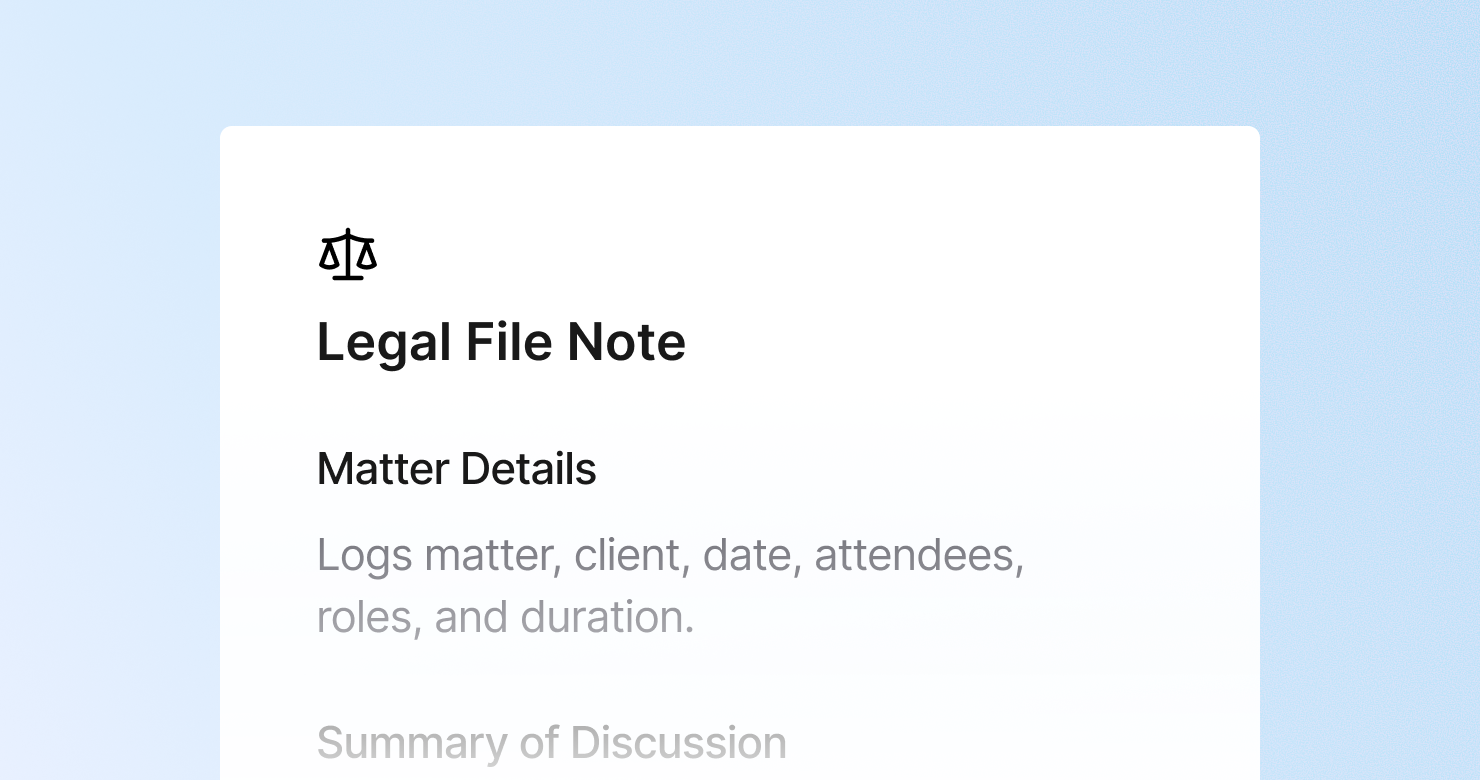
A legal file note template is a structured format for documenting meetings, calls, and conferences on legal matters. It defines what to capture from each session: the identifying information for the matter, a factual summary of what was discussed in chronological order, the legal advice given and any caveats, the client's instructions, all action items with deadlines including any limitation periods, and documents discussed, exchanged, or to be prepared. The goal is to produce an accurate contemporaneous record that could be relied upon as evidence of advice given - with the specificity and completeness that professional liability requires.
About this template
This template has six sections. Each one tells Jamie what to capture during a legal meeting and how to structure the output.
Section 1: Matter Details
Captures the identifying information: matter name and reference number, client name, date and time, attendees and their roles, and duration.
Section 2: Summary of Discussion
Documents the substance of what was discussed in chronological order: topics covered, facts presented, legal issues identified, and options explored. Factual and precise, without editorializing.
Section 3: Advice Given
Records the legal advice provided and the basis for it, any caveats or qualifications, the risk assessment communicated, and the recommended course of action. The most important section for professional liability.
Section 4: Instructions Received
Documents what the client instructed the firm to do, whether instructions were clear, any instructions that differ from the advice given, and confirmation of who has authority to give instructions on this matter.
Section 5: Action Items and Deadlines
Lists all follow-up actions with owners and deadlines, including critical dates like court dates, filing dates, contractual deadlines, and limitation periods.
Section 6: Documents and Correspondence
Notes documents reviewed, documents the client will provide, documents the firm needs to draft or file, and correspondence to be sent.
Why legal teams use this template
Legal file notes are professional liability documents and need to be treated that way
A legal file note may be the only record of what advice was given and what instructions were received. When it is unstructured, incomplete, or written from memory hours after the call, it fails at its core purpose. A structured template ensures every essential element is captured while the conversation is still fresh.
Advice and instructions need to be in separate sections
The distinction between what the lawyer advised and what the client instructed matters. When advice and instructions are mixed together in unstructured notes, that distinction gets lost. A dedicated section for each keeps the record clean.
Critical deadlines buried in narrative notes get missed
A limitation period mentioned in passing during a client call that ends up buried in a paragraph of narrative notes is a professional liability risk. A structured action items section with a dedicated field for critical deadlines makes those dates impossible to overlook.
Fee earners spend less time on file notes and more time on client work
A file note written manually after a long client call takes significant time and is often completed hours later when memory has faded. With this template, Jamie produces structured notes within minutes of the call ending - more accurate and faster than manual write-up.
How to Use This Template in Jamie
Jamie works natively on your device. No bot joins your call, no meeting link needed. Use it across every online platform, capture in-person meetings via your laptop or phone, and get structured notes in 100+ languages - and your data stays on EU servers, fully encrypted, GDPR compliant.
Step 1: Add the Legal File Note template in Jamie under Settings > Templates - or click Use this template to load it automatically.
Step 2: Start your client call on any platform: Zoom, Teams, Google Meet, or by phone.
Step 3: Within minutes of the call ending, your notes appear structured in six sections.
Step 4: Switch templates after the fact if needed. Jamie regenerates the summary in the new format.
Built for legal professionals
Jamie processes and stores your data only within the EU. All data is encrypted with AES-256 in transit and at rest. No third-party bot sits in your call. Audio is streamed for transcription and never stored. This meets the data security requirements most law firms and legal teams already have in place. The template works with any meeting platform and handles calls in 100+ languages.
FAQS
A legal file note should include six sections: matter identifying information, a chronological summary of what was discussed, the advice given with any caveats and the reasoning behind it, the client's instructions, all action items and critical deadlines, and documents discussed or to be prepared.
Legal teams document client meetings with file notes that create a contemporaneous record of advice given and instructions received. Legal professionals use Jamie to apply a file note template automatically, so structured notes meeting professional standards are ready within minutes of the call ending rather than hours later from memory.
A legal file note is a professional liability document recording advice given and instructions received on a specific matter - it may be relied upon as evidence. Meeting minutes are a governance record of decisions made in a formal meeting. The Jamie Legal File Note template is designed for the former: accurate, structured, and complete enough to serve as a contemporaneous record of professional advice.
Legal advice documentation needs to include the advice itself, the basis for it, any qualifications or caveats, the risk assessment communicated, and the recommended course of action. The Jamie Legal File Note template has a dedicated advice section that structures all five elements automatically.
Yes. Jamie works natively on your device with no bot joining the call. For legal client calls where confidentiality and privilege are paramount, no third-party recording service is involved and audio is streamed for transcription and never stored.