Legal & Compliance
Board Meeting Minutes Template
Add this template to your Jamie account or sign up and try it.
Use template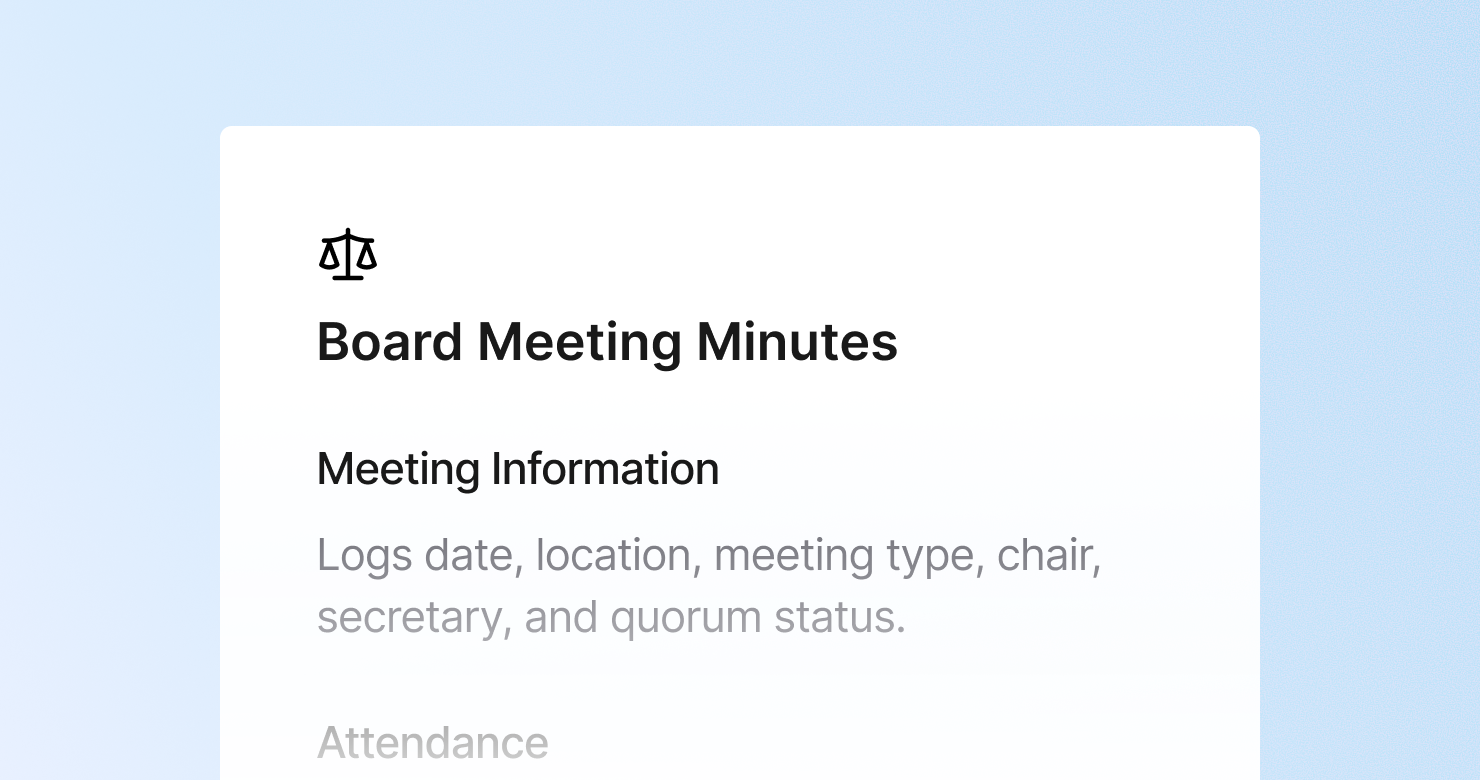
A board meeting minutes template is a structured format for creating formal minutes of a board of directors meeting. It defines what to capture from each session: the formal meeting information and quorum confirmation, a complete attendance record, approval of previous minutes, matters arising from previous minutes, summaries of reports and presentations, and every formal resolution with exact wording, voting outcome, and any conflicts of interest declared. The goal is to produce an official governance record that meets legal and regulatory requirements - documenting what was decided and by whom, without turning the board's deliberations into a verbatim transcript.
About this template
This template has seven sections. Each one tells Jamie what to capture during a board meeting and how to structure the formal record.
Section 1: Meeting Information
Captures the formal record: date, time, and location, meeting type, chair, secretary, and quorum confirmation.
Section 2: Attendance
Records directors present and absent with or without apologies, other attendees and their capacity, and any directors who joined or left during the meeting.
Section 3: Approval of Previous Minutes
Records whether the previous minutes were approved as accurate, any amendments requested, and the proposer and seconder.
Section 4: Matters Arising
Reviews action items from the previous meeting: completed, in progress, or outstanding.
Section 5: Reports and Presentations
Summarizes reports presented to the board - financial, operational, committee reports - with key points and questions raised by directors.
Section 6: Resolutions and Decisions
Records every formal resolution with exact wording, whether passed unanimously or with dissent, proposer and seconder, and any conflicts of interest declared. The most important section.
Section 7: Action Items
Lists all actions arising with owner, deadline, and the date of the next board meeting.
Why Teams Use This Template
Board minutes are governance documents with legal significance
Accurate, complete board minutes are required for regulatory filings, investor reporting, and legal compliance. When they are produced from unstructured notes written after a long meeting, the risk of omission or inaccuracy is high. A structured template captures every required element during the meeting.
Resolutions need exact wording, not summaries
A resolution recorded as "the board approved the acquisition" is not a governance record. The exact wording, the vote count, any dissent, and any conflicts declared - these are the elements that make a resolution legally complete. The Jamie Board Meeting Minutes template structures all of these automatically.
Quorum and attendance records are required and easy to get wrong from memory
Who was present, who joined late, who left before a specific vote - these details matter for the validity of resolutions. A structured attendance section captured during the meeting is more reliable than one reconstructed from a calendar invite list afterwards.
Board secretaries spend less time drafting and more time reviewing
Board minutes drafted manually from handwritten notes or memory are time-consuming and error-prone. With this template, Jamie produces a structured draft within minutes of the meeting ending - giving the board secretary a complete record to review and finalize rather than a blank page.
How to Use This Template in Jamie
Jamie works natively on your device. No bot joins your call, no meeting link needed. Use it across every online platform, capture in-person meetings via your laptop or phone, and get structured notes in 100+ languages - and your data stays on EU servers, fully encrypted, GDPR compliant.
Step 1: Add the Board Meeting Minutes template in Jamie under Settings > Templates - or click Use this template to load it automatically.
Step 2: Start your board meeting on any platform: Zoom, Teams, Google Meet, or in person.
Step 3: Within minutes of the meeting ending, your structured draft appears in seven sections.
Step 4: Switch templates after the fact if needed. Jamie regenerates the summary in the new format.
Built for boards and governance teams
Jamie processes and stores your data only within the EU. All data is encrypted with AES-256 in transit and at rest. No third-party bot sits in your meeting. Audio is streamed for transcription and never stored. This meets the data security requirements most boards and regulated entities already have in place. The template works with any meeting platform and handles meetings in 100+ languages.
FAQS
Board meeting minutes should include seven sections: formal meeting information with quorum confirmation, a complete attendance record, approval of previous minutes, matters arising from previous minutes, summaries of reports presented, every formal resolution with exact wording and voting outcome, and action items with owners and deadlines.
Board minutes need to record decisions and resolutions precisely without becoming a verbatim transcript of deliberations. Board secretaries and governance teams use Jamie to apply a board minutes template automatically, producing a structured draft within minutes of the meeting ending - ready to review and finalize rather than draft from scratch.
Board meeting minutes are an official governance document - they record formal resolutions, voting outcomes, and quorum for legal and regulatory purposes. Board meeting notes are an informal working record. The Jamie Board Meeting Minutes template is designed for the former: structured for governance purposes and capturing the elements required for a legally complete record.
Resolutions in board minutes should include the exact wording of the resolution, whether it passed unanimously or with dissent, the proposer and seconder where required, and any director who declared a conflict of interest. The Jamie Board Meeting Minutes template has a dedicated resolutions section that captures all four elements.
Yes. Jamie works natively on your device with no bot joining the meeting. For board meetings where confidentiality and the integrity of the governance process are paramount, no third-party service is involved in the recording and audio is streamed for transcription and never stored.