Consulting & Client Work
Client Kickoff Template
Add this template to your Jamie account or sign up and try it.
Use template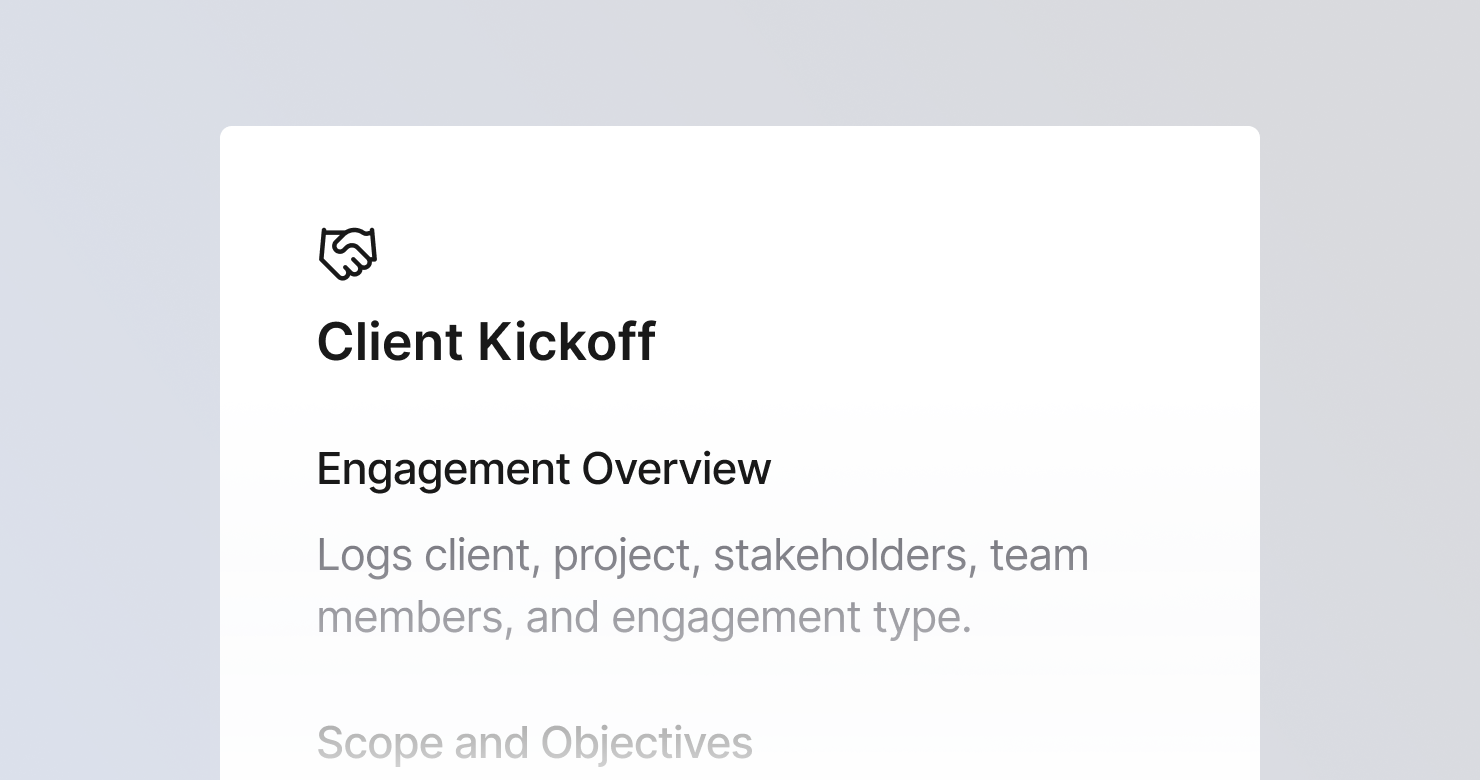
A client kickoff template is a structured format for documenting the kickoff meeting at the start of a new client engagement or project. It defines what to capture from each session: the engagement overview with key stakeholders on both sides, the agreed scope and objectives including what is explicitly out of scope, the timeline and milestones with deadlines from both parties, how the team will work together including communication cadence and escalation path, risks and open questions that could derail the engagement, and action items with clear owners. The goal is to produce notes that become the reference point for the entire engagement - so scope disputes, missed deadlines, and communication failures trace back to something documented, not something assumed.
About this template
This template has six sections. Each one tells Jamie what to capture during a client kickoff and how to structure the output.
Section 1: Engagement Overview
Captures the basic facts: client company and industry, project name, key stakeholders on the client side with roles and primary point of contact, team members on our side, and engagement type.
Section 2: Scope and Objectives
Documents the stated objective, specific deliverables, what is in scope, what is explicitly out of scope, and success criteria mentioned by the client. If scope was vague, that is flagged as a risk.
Section 3: Timeline and Milestones
Captures start and end dates, key milestones and phase gates, deadlines the client committed to, and any external deadlines driving the timeline.
Section 4: Working Norms and Communication
Documents meeting cadence, communication channels, how progress will be reported, the escalation path, and any client preferences about working style.
Section 5: Risks and Open Questions
Lists risks identified during the kickoff, assumptions being made, open questions needing answers before work begins, and client dependencies that could cause delays.
Section 6: Action Items
Lists every follow-up action: what the client needs to provide, what the team needs to deliver, meetings to schedule, and access or permissions needed.
Why teams use this template
Kickoff conversations set expectations that are referenced for months
What was agreed about scope, timeline, and communication at the kickoff is what the client will hold you to when things get hard. A structured kickoff note creates a shared record that both parties agreed to, rather than competing memories of what was said.
Scope that is not documented expands
The most common source of engagement risk is scope that was verbally agreed but never written down. A structured scope section with explicit out-of-scope items creates a baseline that makes scope creep visible and manageable.
Risks identified at kickoff are the cheapest risks to address
The client dependency that could delay the engagement, the assumption that has not been validated, the open question about data access - these are easier and cheaper to resolve in week one than in week six. A structured risks section forces them onto the page immediately.
Kickoff notes are the onboarding document for anyone who joins the engagement later
When a new team member joins the project in week three, a structured kickoff note tells them the scope, the timeline, the stakeholders, the working norms, and the open risks in one read. Jamie produces that document automatically within minutes of the kickoff ending.
How to Use This Template in Jamie
Jamie works natively on your device. No bot joins your call, no meeting link needed. Use it across every online platform, capture in-person meetings via your laptop or phone, and get structured notes in 100+ languages - and your data stays on EU servers, fully encrypted, GDPR compliant.
Step 1: Add the Client Kickoff template in Jamie under Settings > Templates - or click Use this template to load it automatically.
Step 2: Start your kickoff on any platform: Zoom, Teams, Google Meet, or in person.
Step 3: Within minutes of the meeting ending, your notes appear structured in six sections.
Step 4: Switch templates after the fact if needed. Jamie regenerates the summary in the new format.
Built for consulting and client-facing teams
Jamie processes and stores your data only within the EU. All data is encrypted with AES-256 in transit and at rest. No third-party bot sits in your call. Audio is streamed for transcription and never stored. The template works with any meeting platform and handles meetings in 100+ languages.
FAQS
A client kickoff template should include six sections: engagement overview with stakeholders on both sides, scope and objectives with explicit out-of-scope items, timeline and milestones with committed deadlines, working norms and communication cadence, risks and open questions, and action items with owners and deadlines.
Kickoff documentation needs to serve as the reference point for the entire engagement - which means capturing not just what was discussed but what was agreed, what is out of scope, and what risks were identified. Consulting teams use Jamie to apply a client kickoff template automatically, so structured notes are ready within minutes of the meeting ending.
A structured kickoff note with an explicit out-of-scope section is the foundation. When the client asks for something that was not in the original scope, the kickoff note is the reference point for that conversation. The Jamie Client Kickoff template captures scope boundaries automatically during the kickoff meeting.
Working norms agreed at kickoff - meeting cadence, communication channels, escalation path, reporting format - need to be documented so both parties can reference them. The Jamie Client Kickoff template has a dedicated working norms section that captures all of these during the kickoff meeting.
Yes. Jamie works natively on your device with no bot joining the call. This matters for kickoff meetings with new clients, where a natural, relationship-building conversation is the goal and a visible recording bot can introduce an unwanted formality.