Team & Operations
All-Hands Meeting Template
Add this template to your Jamie account or sign up and try it.
Use template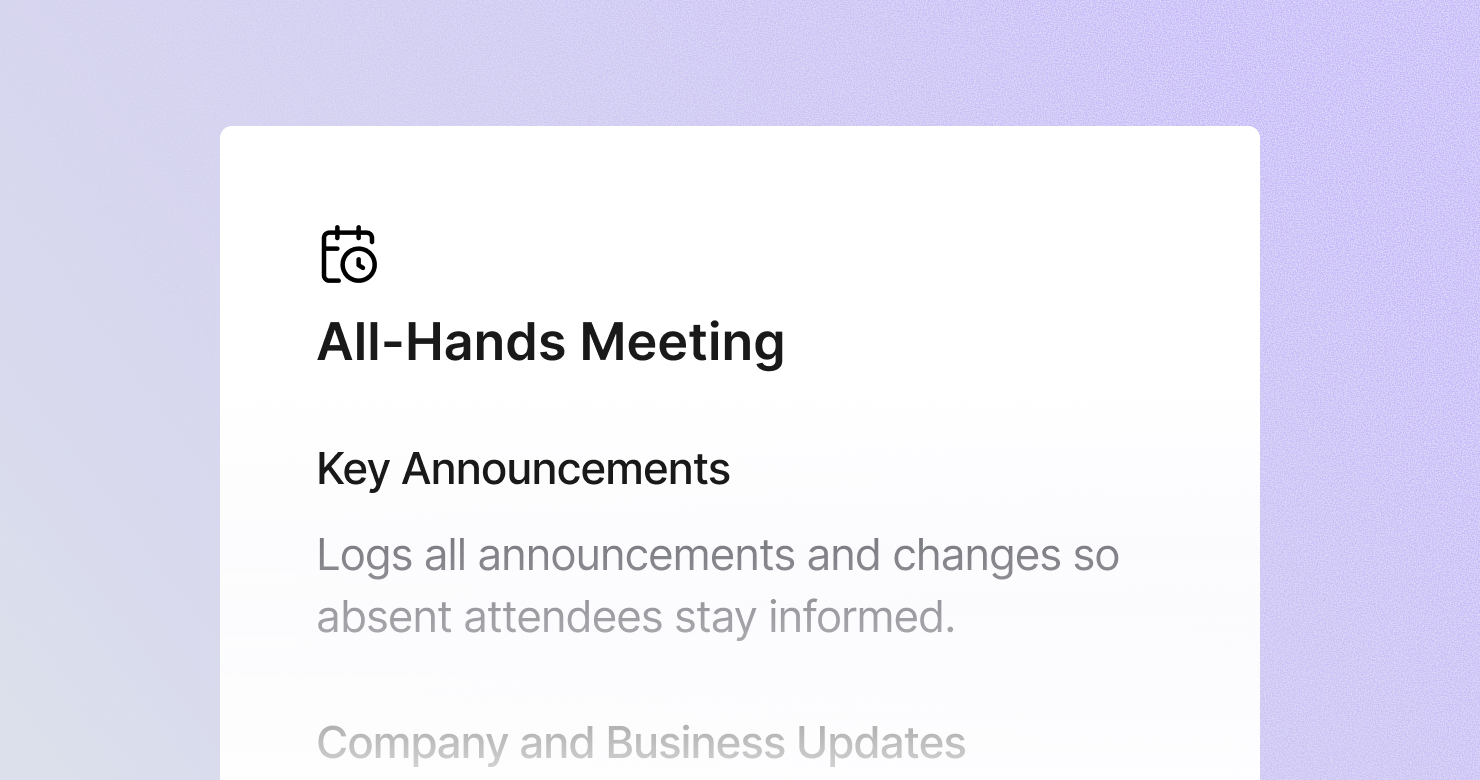
An all-hands meeting template is a structured format for documenting company-wide or department-wide all-hands meetings. It defines what to capture from each session: every announcement made clearly enough that someone who missed the meeting knows what changed, the strategic and business updates shared by leadership, team highlights and wins recognized, the full Q&A including questions that were not fully answered, and any follow-ups committed to by leadership. The goal is to produce notes that serve as the official record of what was communicated - so every employee, whether present or not, has access to the same information.
About this template
This template has five sections. Each one tells Jamie what to capture during an all-hands and how to structure the output.
Section 1: Key Announcements
Lists all announcements: new hires, departures, organizational changes, product launches, policy changes, and upcoming events. Captured clearly enough that someone who missed the meeting knows exactly what changed.
Section 2: Company and Business Updates
Summarizes the strategic and business updates shared by leadership: performance metrics with actual numbers, progress against company goals, market or competitive updates, and shifts in strategic direction.
Section 3: Team Highlights and Wins
Captures the achievements recognized: which teams or individuals were highlighted, specific results celebrated, and any customer wins shared.
Section 4: Q&A and Employee Concerns
Documents every question asked and the answer given - including questions that were deferred for follow-up. Recurring themes in the questions signal what employees care about most. This section is often the most valuable part of the all-hands.
Section 5: Action Items and Follow-Ups
Lists commitments made by leadership to share more information, actions employees need to take, and unanswered questions that need a response.
Why Teams Use This Template
Employees who miss the all-hands should get the same information as those who attended
All-hands meetings communicate decisions, strategy, and organizational changes. When the notes are unstructured, employees who were absent or in a different time zone get a second-hand version filtered through whoever they ask. A structured note is the same for everyone.
The Q&A is where leadership credibility lives
The questions employees ask in an all-hands reveal what they are actually worried about. The answers - and whether they were honest and complete - determine whether trust goes up or down. A structured Q&A section that captures both the question and the full answer creates a record that both leadership and employees can reference.
Commitments made from stage need to be tracked
When the CEO says "we'll share the full roadmap by end of month" in an all-hands and it does not happen, people notice. A structured follow-ups section captures every commitment made and creates accountability for following through.
Notes from all-hands meetings are referenced long after the meeting
An announcement about a new policy, a strategy shift, or an organizational change gets referenced weeks after the all-hands. A structured, searchable note is more useful than trying to find the right timestamp in a recording.
How to Use This Template in Jamie
Jamie works natively on your device. No bot joins your call, no meeting link needed. Use it across every online platform, capture in-person meetings via your laptop or phone, and get structured notes in 100+ languages - and your data stays on EU servers, fully encrypted, GDPR compliant.
Step 1: Add the All-Hands Meeting template in Jamie under Settings > Templates - or click Use this template to load it automatically.
Step 2: Start your all-hands on any platform: Zoom, Teams, Google Meet, or in person.
Step 3: Within minutes of the meeting ending, your notes appear structured in five sections.
Step 4: Switch templates after the fact if needed. Jamie regenerates the summary in the new format.
Built for leadership and operations teams
Jamie processes and stores your data only within the EU. All data is encrypted with AES-256 in transit and at rest. No third-party bot sits in your call. Audio is streamed for transcription and never stored. The template works with any meeting platform and handles meetings in 100+ languages.
FAQS
An all-hands meeting template should include five sections: key announcements captured clearly enough for someone who missed the meeting, company and business updates with actual metrics, team highlights and wins, a full Q&A record including unanswered questions, and action items and follow-up commitments from leadership.
All-hands documentation needs to serve people who attended and people who did not. A structured five-section note - announcements, business updates, highlights, Q&A, and follow-ups - produces a complete record in a format that anyone can read in a few minutes. Teams use Jamie to apply the all-hands template automatically, so structured notes are ready without anyone spending time on the write-up.
A structured all-hands note in a consistent format is easier to share and reference than an unedited recording or a bullet-point summary. When Jamie produces structured notes automatically within minutes of the meeting ending, the notes can be posted immediately rather than hours later after someone has written them up.
The Q&A requires capturing both the question and the full answer - including questions that were deferred or only partially answered. The Jamie All-Hands Meeting template has a dedicated Q&A section that captures all of this automatically, including recurring themes that signal what employees are most concerned about.
Yes. Jamie works natively on your device with no bot joining the call. For company-wide meetings where leadership wants to speak authentically rather than performing for a recording, Jamie captures the full conversation without any visible presence