Education & Training
Workshop Template
Add this template to your Jamie account or sign up and try it.
Use template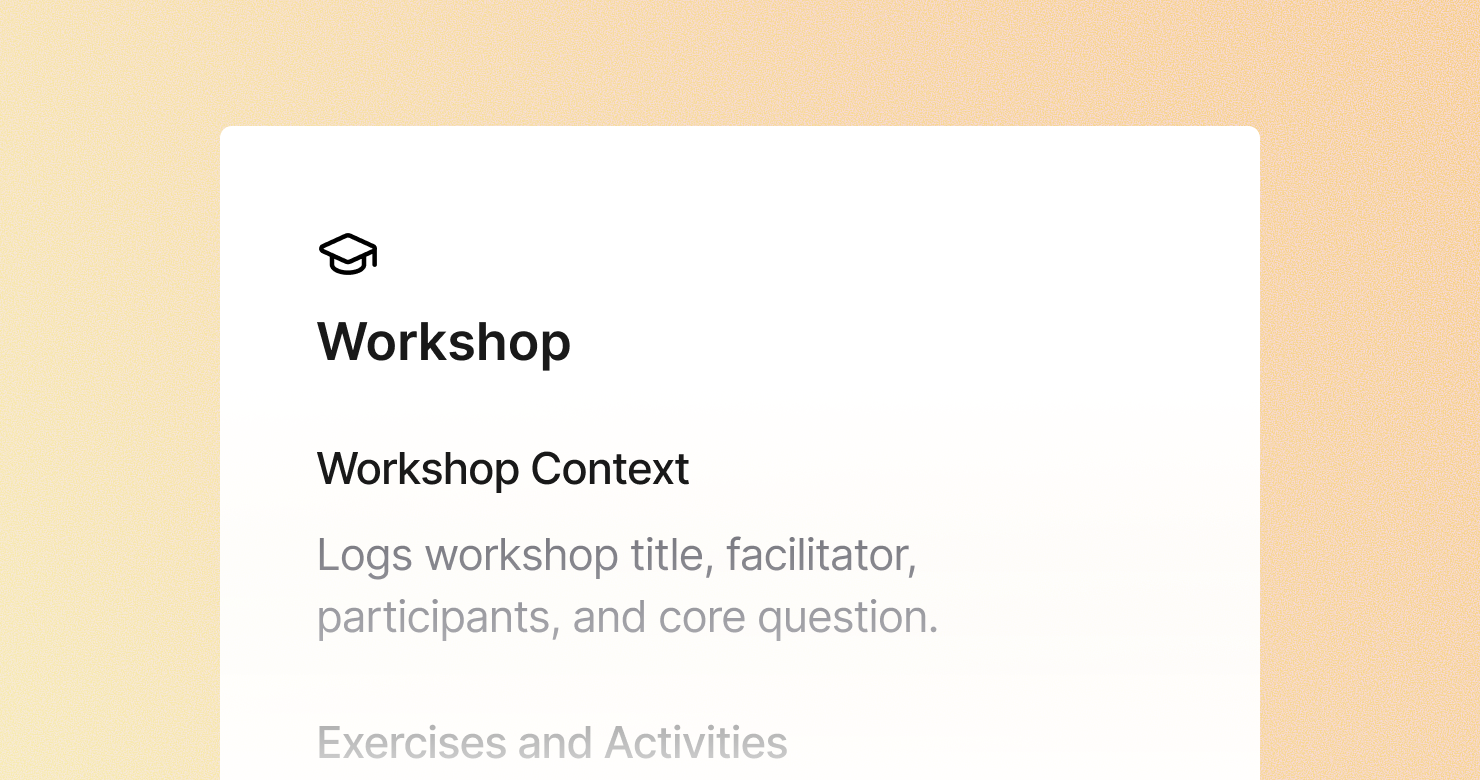
A workshop template is a structured format for documenting facilitated workshops, design sprints, and group working sessions. It defines what to capture from each session: the workshop context and objectives, the exercises and activities completed with their outputs, the key themes and insights that emerged from group discussion, the decisions made during the session, parking lot items flagged for later, and action items with owners. The goal is to produce notes that capture the outputs of a collaborative session accurately - so the work done in the room survives beyond it and the decisions made can be acted on.
About this template
This template has six sections. Each one tells Jamie what to capture during a workshop and how to structure the output.
Section 1: Workshop Context
Captures the workshop title and objectives, facilitator and participants, format and duration, and the problem or question the workshop was designed to address.
Section 2: Exercises and Activities
Documents each exercise or activity: the instructions, what participants produced, and the key observations from the facilitator.
Section 3: Key Themes and Insights
Pulls out the most important ideas and patterns that emerged from the group discussions - the insights that represent the real output of the workshop.
Section 4: Decisions Made
Captures every decision made during the session: what was agreed, who made it, and what alternatives were considered.
Section 5: Parking Lot
Lists topics that came up but could not be addressed during the workshop - flagged for a separate conversation or future session.
Section 6: Action Items
Lists every follow-up action with owner and deadline coming out of the workshop.
Why Teams Use This Template
Workshop outputs that are not documented disappear
The ideas, decisions, and insights from a four-hour workshop can be reduced to "we had a good session" if the outputs are not captured while they are fresh. Structured notes ensure the work done in the room translates into action.
Themes that emerge from group discussion are easy to miss in the moment
When eight people are contributing simultaneously, the patterns that emerge across contributions are hard to track in real time. A structured themes section captures what the group produced collectively, not just individual contributions.
Decisions made in workshops are easy to dispute afterwards
Group decisions made during workshops often get revisited because participants remember them differently. A structured decisions section with the exact agreement and the alternatives considered creates a record that closes that loop.
Facilitators who are not taking notes facilitate better
The best workshop facilitation requires full attention on the group, not on note-taking. Jamie captures the session automatically, so the facilitator can focus entirely on the room.
How to Use This Template in Jamie
Jamie works natively on your device. No bot joins your call, no meeting link needed. Use it across every online platform, capture in-person sessions via your laptop or phone, and get structured notes in 100+ languages - and your data stays on EU servers, fully encrypted, GDPR compliant.
Step 1: Add the Workshop template in Jamie under Settings > Templates - or click Use this template to load it automatically.
Step 2: Start your workshop on any platform: Zoom, Teams, Google Meet, or in person.
Step 3: Within minutes of the session ending, your notes appear structured in six sections.
Step 4: Switch templates after the fact if needed. Jamie regenerates the summary in the new format.
Built for facilitators and L&D teams
Jamie processes and stores your data only within the EU. All data is encrypted with AES-256 in transit and at rest. No third-party bot sits in your session. Audio is streamed for transcription and never stored. The template works with any platform and handles sessions in 100+ languages.
FAQS
A workshop template should include six sections: workshop context with objectives and participants, exercises and activities with outputs, key themes and insights that emerged from group discussion, decisions made with alternatives considered, a parking lot of topics flagged for later, and action items with owners.
Workshop documentation needs to capture both the process and the outputs - what exercises were run and what the group produced from them. Facilitators use Jamie to apply a workshop template automatically, so structured notes covering all six areas are ready within minutes of the session ending.
The most effective approach is a structured template that separates exercise outputs from themes and decisions - so the raw outputs from each activity and the patterns that emerged across them are both captured. Jamie applies this structure automatically during the workshop.
Effective follow-up requires three things to be clearly documented: the decisions made, the action items with owners, and the parking lot items for later discussion. The Jamie Workshop template has dedicated sections for all three, structured automatically during the session.
Yes. Jamie works via your laptop or the mobile app for in-person workshops, with no bot joining and no external recording setup. This is particularly useful for in-person facilitated sessions where a natural, focused group dynamic is important.