Product & Engineering
Design Review Template
Add this template to your Jamie account or sign up and try it.
Use template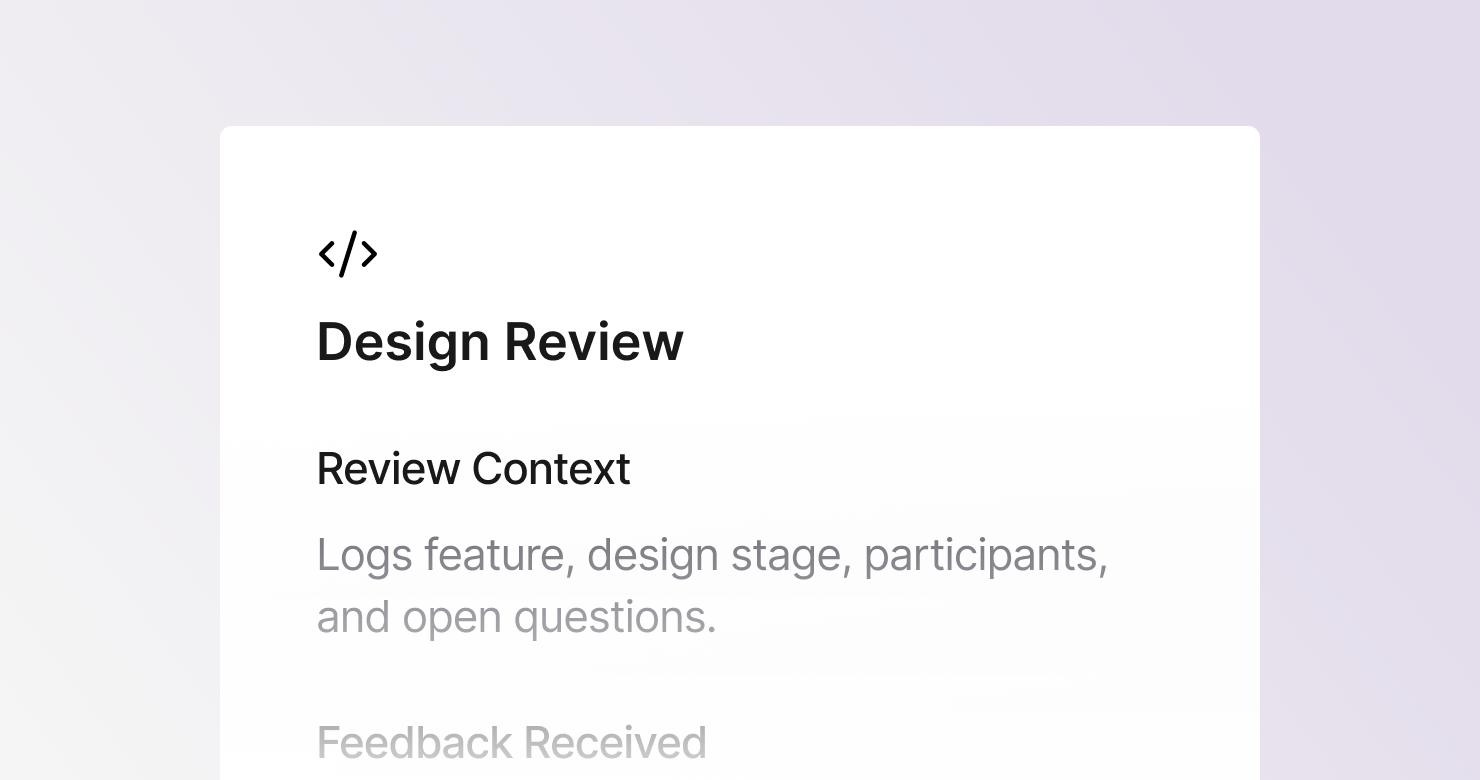
A design review template is a structured format for documenting design review sessions where designs, prototypes, or wireframes are presented to stakeholders for feedback. It defines what to capture from each session: the review context and what stage the design is in, all feedback organized by theme with attribution, the decisions made and alternatives considered, the specific revisions needed before the next review or handoff, and what happens next. The goal is to produce notes that give the designer a complete, actionable brief from the review - rather than a memory of who said what in what order.
About this template
This template has five sections. Each one tells Jamie what to capture during a design review and how to structure the output.
Section 1: Review Context
Captures what feature or flow was reviewed, what stage the design is at, who presented and who gave feedback, and any specific questions the designer wanted answered.
Section 2: Feedback Received
Documents all feedback organized by theme - visual, UX, content, and business feedback - with attribution for each piece. Captures feedback as given without filtering.
Section 3: Decisions Made
Lists all decisions made during the review: what direction was approved, what alternatives were rejected and why, any scope changes, and who made the final call on each.
Section 4: Revisions Needed
Lists specific changes requested, organized by screen or flow, with priority level and any open questions that need resolution before revisions can be made.
Section 5: Next Steps
Captures whether another review round is needed or the design is approved for development, the next review or handoff date, and assets or specs needed for handoff.
Why Teams Use This Template
Design feedback without attribution creates confusion about what was actually decided
When the PM said one thing and the engineer said another and the designer is trying to reconcile competing notes after the review, the structured attribution section becomes the source of truth.
Revision lists that are not prioritized are not useful
A list of 15 changes with no priority order leaves the designer guessing what to do first. A structured revisions section with must-fix vs. nice-to-have designation makes the priority clear.
Decisions that are not documented get revisited
The direction that was approved in the review, the alternative that was explicitly rejected and why - when these live only in the designer's memory, the debate restarts at the next review. A structured decisions section ends that loop.
Cross-functional reviews involve the most stakeholders and the most competing feedback
When product, engineering, marketing, and leadership are all in a design review, the volume of feedback is highest and the need for structured notes is greatest. Jamie captures the full session and organizes it automatically.
How to Use This Template in Jamie
Jamie works natively on your device. No bot joins your call, no meeting link needed. Use it across every online platform, capture in-person meetings via your laptop or phone, and get structured notes in 100+ languages - and your data stays on EU servers, fully encrypted, GDPR compliant.
Step 1: Add the Design Review template in Jamie under Settings > Templates - or click Use this template to load it automatically.
Step 2: Start your design review on any platform: Zoom, Teams, Google Meet, or in person.
Step 3: Within minutes of the review ending, your notes appear structured in five sections.
Step 4: Switch templates after the fact if needed. Jamie regenerates the summary in the new format.
Built for product and design teams
Jamie processes and stores your data only within the EU. All data is encrypted with AES-256 in transit and at rest. No third-party bot sits in your call. Audio is streamed for transcription and never stored. The template works with any meeting platform and handles sessions in 100+ languages.
FAQS
A design review template should include five sections: review context covering what was presented and to whom, all feedback received organized by theme with attribution, decisions made with alternatives considered, specific revisions needed with priority levels, and next steps including whether the design is approved for development.
Design feedback documentation needs to capture both what was said and who said it - because competing feedback from different stakeholders needs to be resolved by the right person. Design teams use Jamie to apply a design review template automatically, so structured notes organized by theme are ready within minutes of the session ending.
A structured revisions list with priority levels and open questions is more useful than a flat list of changes. The Jamie Design Review template has a dedicated revisions section that captures each change, its priority, and any questions the designer needs answered before they can make it.
Structured reviews that separate visual feedback, UX feedback, content feedback, and business feedback tend to produce more useful input than open discussion. When everyone knows the notes are being structured by category, the feedback tends to be more specific and actionable. Jamie applies this structure automatically.
Yes. Jamie works natively on your device with no bot joining the call, so design reviews stay focused on the work rather than on an extra participant.