Jamie Brand Kit

We love hearing how Jamie helps you stay present in meetings. Use this guide when you feature the Jamie name, symbol, or wordmark in your work.

Essentials

Jamie symbol

Symbol

Jamie wordmark

Wordmark

  • FaceTime
  • Settings
  • Jamie
  • Messages
  • Mail

App icon

#191919

Charcoal

#FAFAF9

Off-white

#946BF5

Jamie violet

#EDEDE8

Warm gray

Safe space

Leave at least half the height of the visible J clear on all four sides. Jamie’s logo components already include this space.
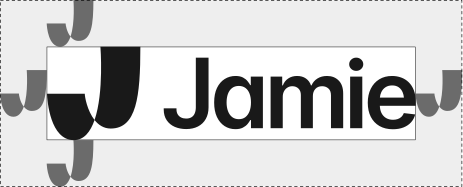

Horizontal logoX = ½ J height
Clear space around the Jamie horizontal logo, half the J height on each side
Measure from the outermost edge of the symbol or wordmark.
Standalone symbolX = ½ J height
Clear space around the Jamie symbol, half the J height on each side
A 40 px J needs at least 20 px of clear space on each side.

Product shots

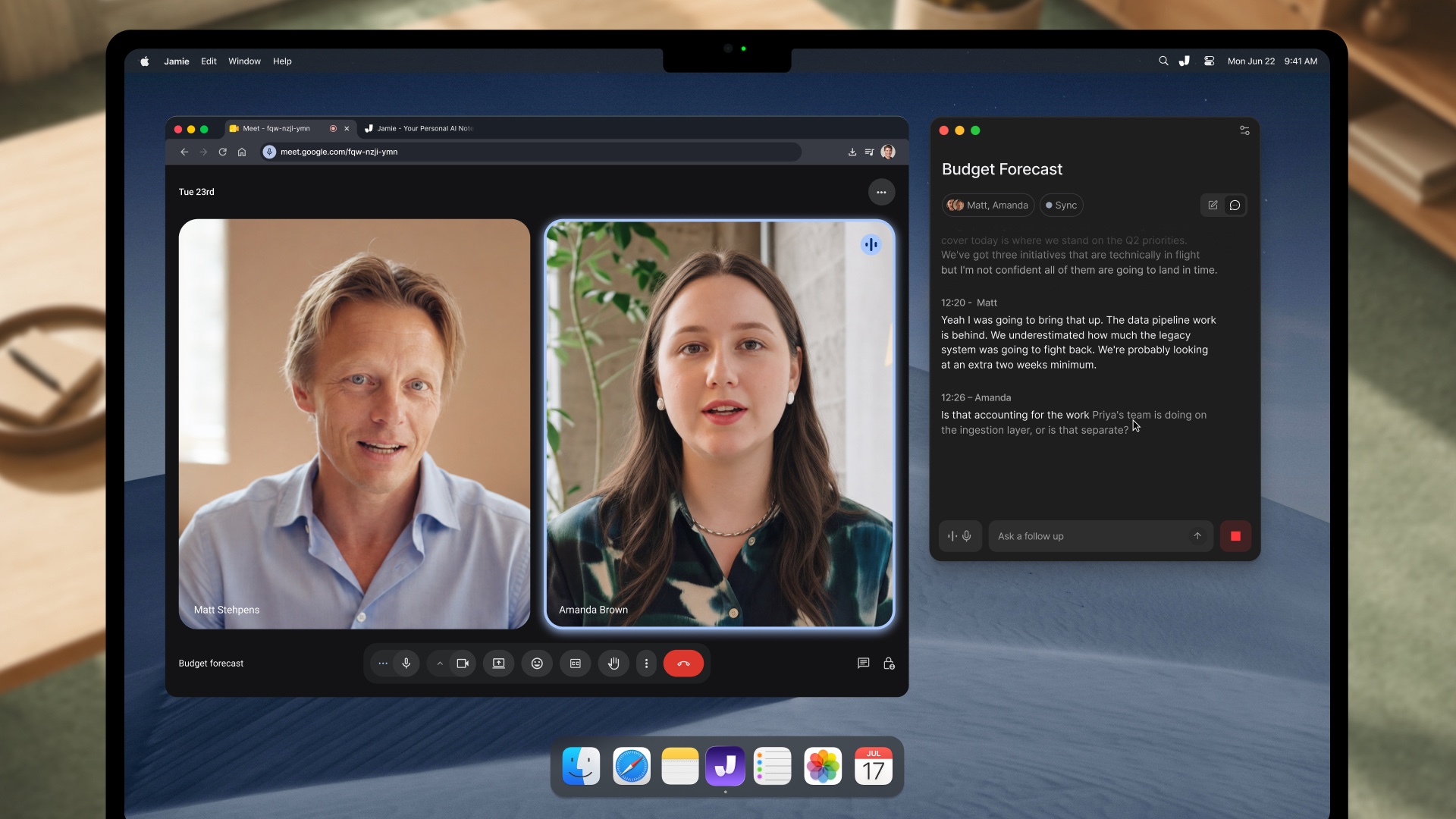
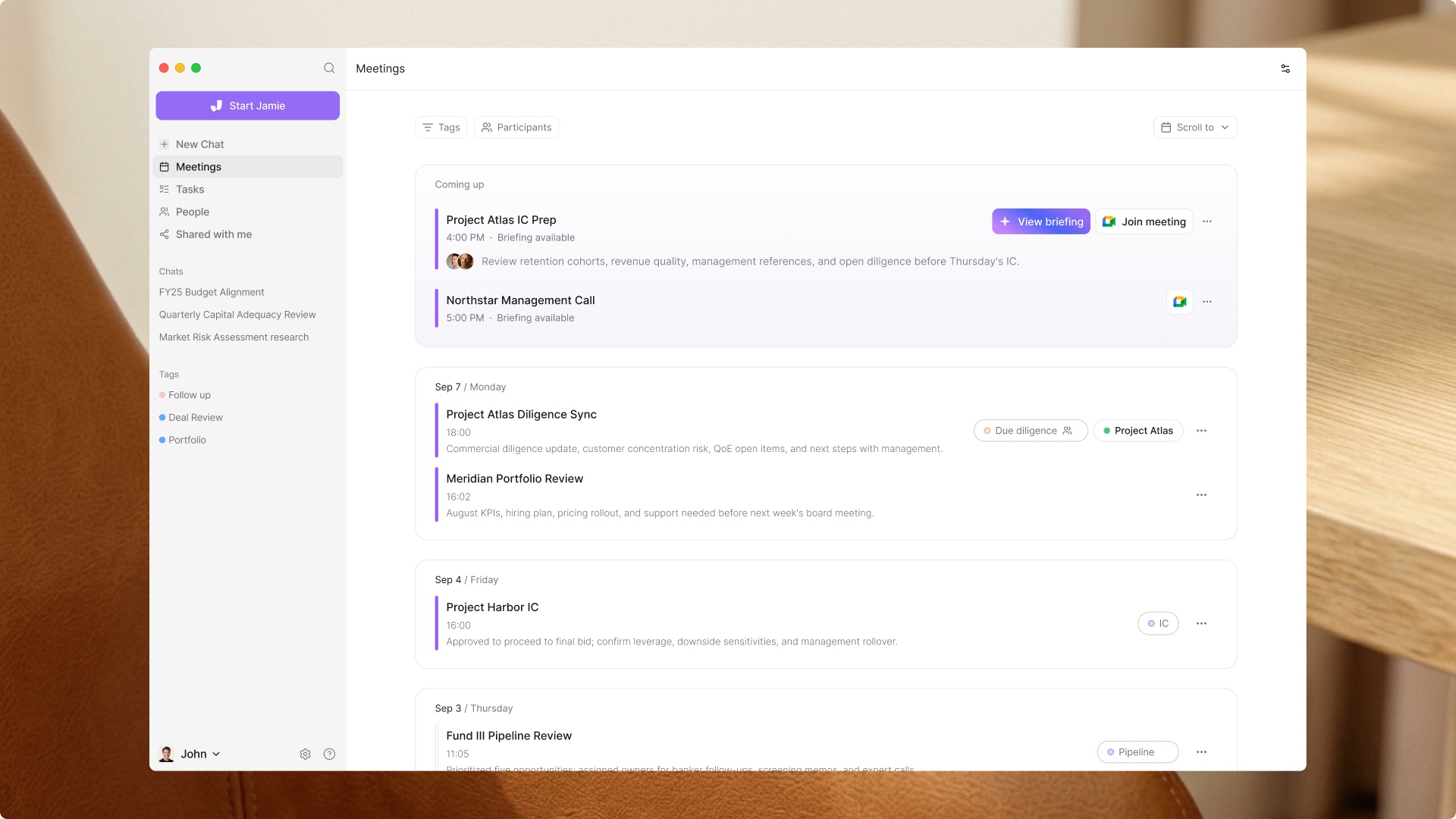
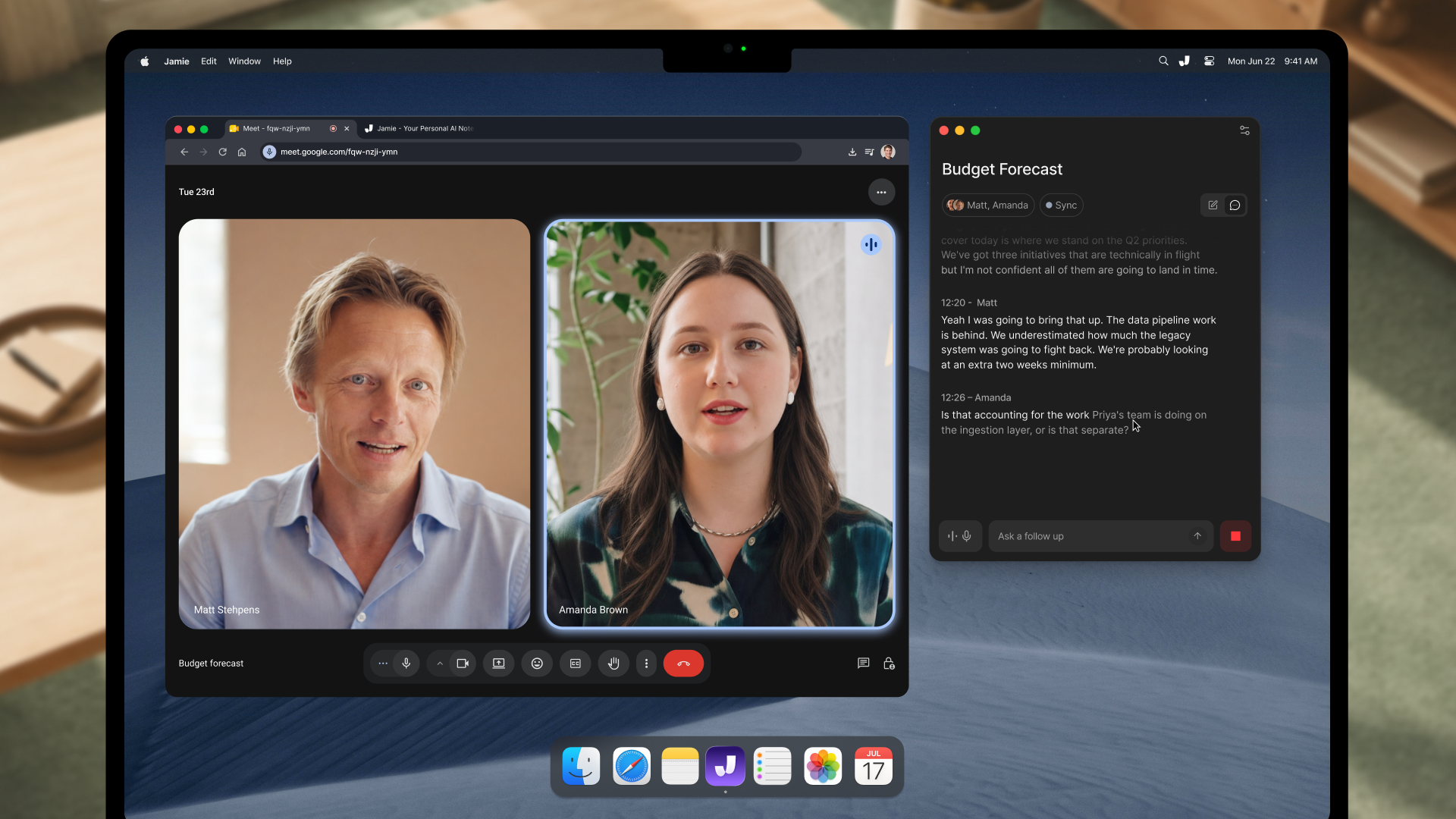
Use these product shots in articles and presentations to show Sidekick during a call and where to find past and upcoming meetings in Jamie.

Jamie Sidekick taking notes next to a video call on a MacBook

Sidekick

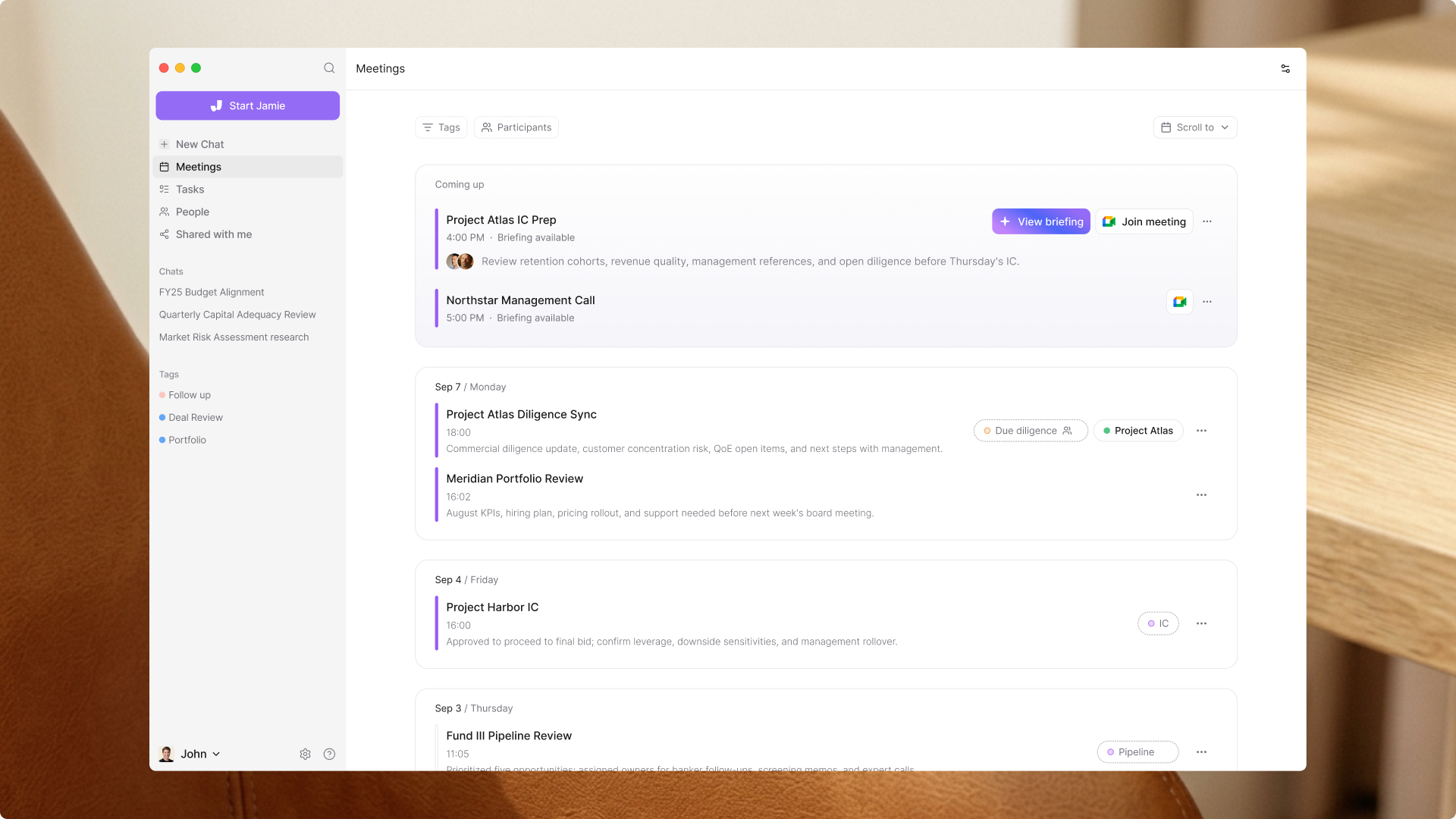
The All Meetings view in the Jamie desktop app

All Meetings

Mobile product shots

Use these product shots to show Jamie on iPhone and iPad.

Jamie recording a meeting on iPhone

Jamie on iPhone

Jamie meeting notes on iPad

Jamie on iPad

Marketing shots

Use these visuals in campaigns, presentations, and social posts about Jamie’s security, integrations, workflows, and meeting summaries.

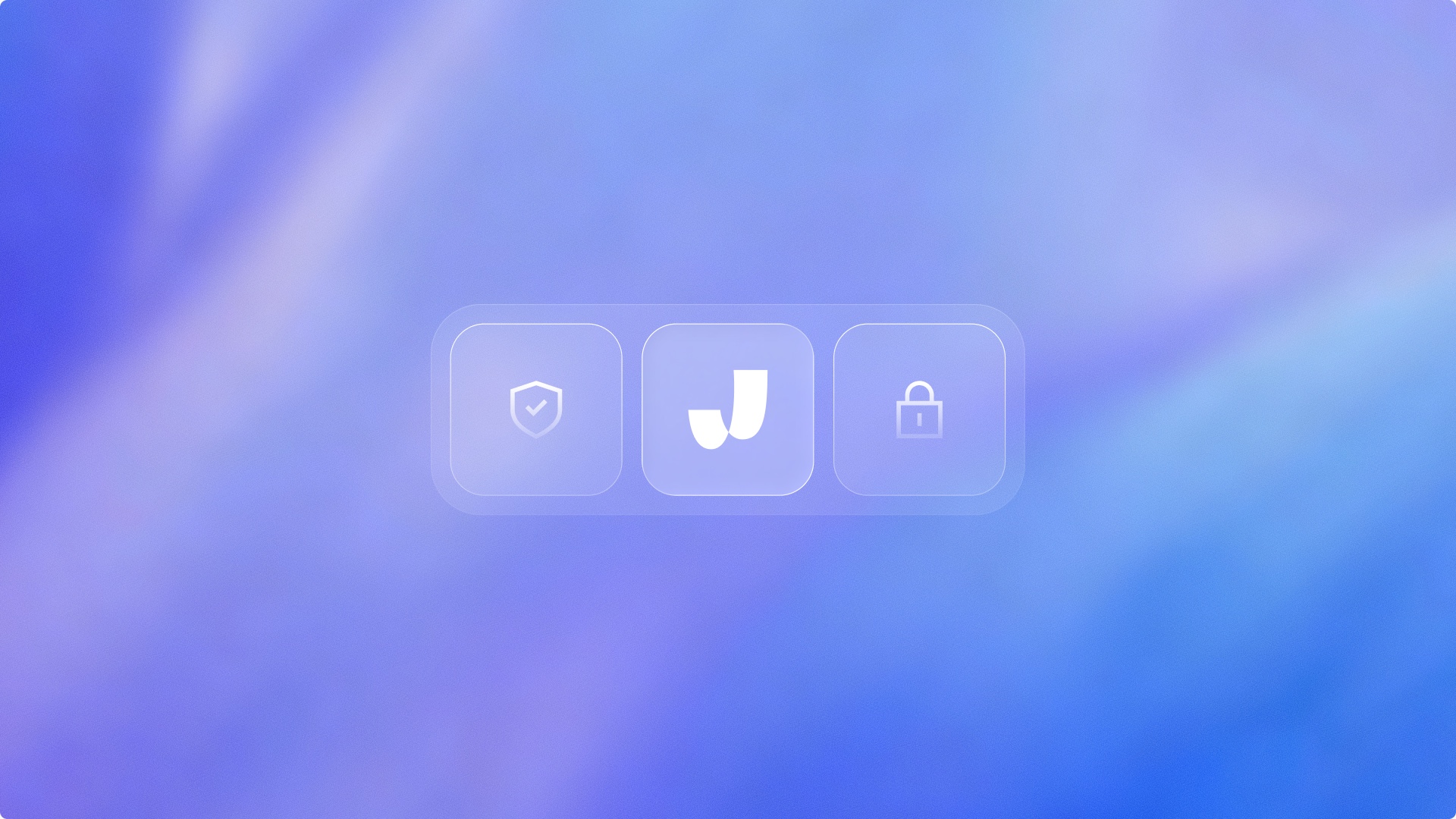
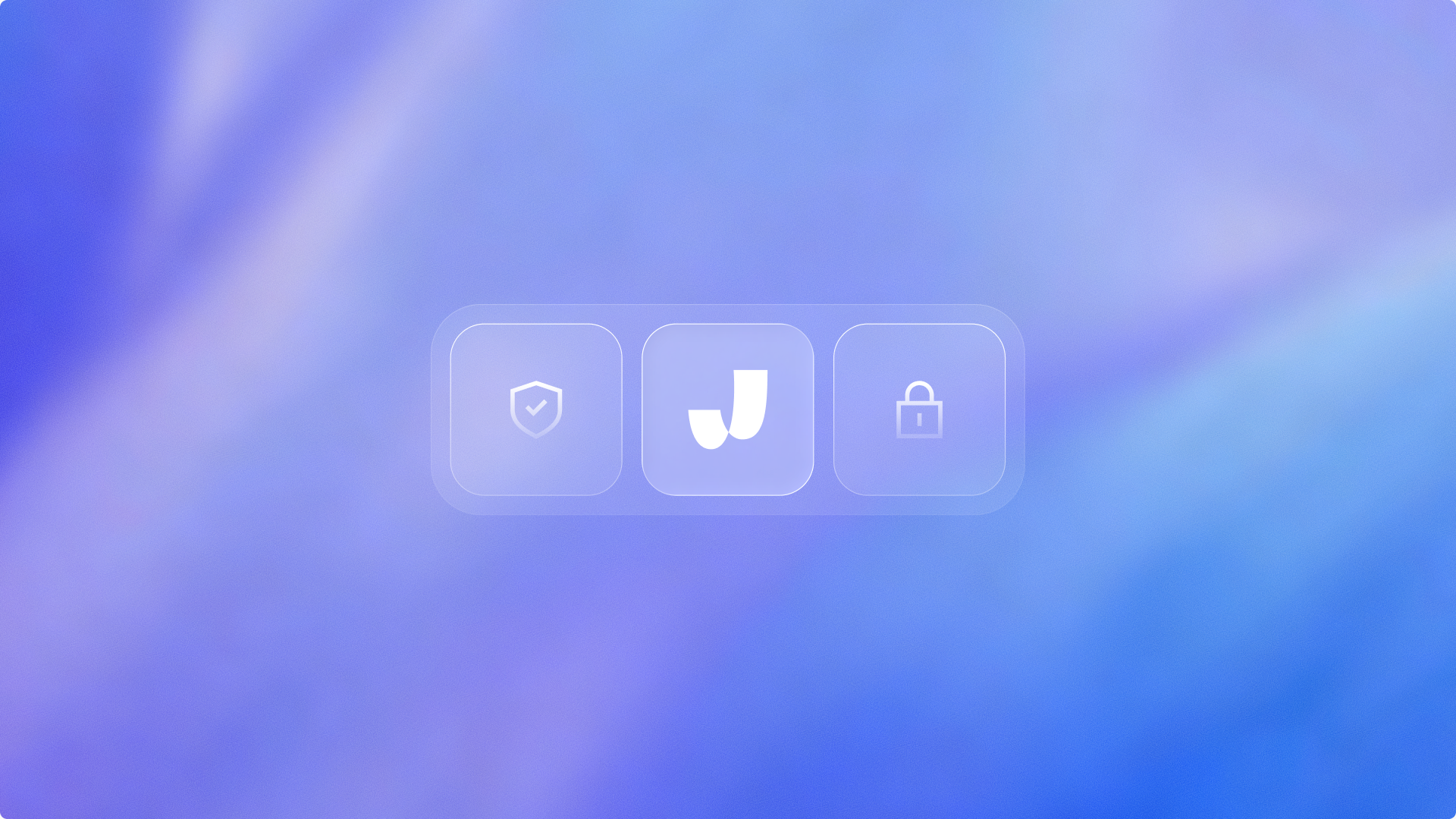
The Jamie symbol between security icons

Security

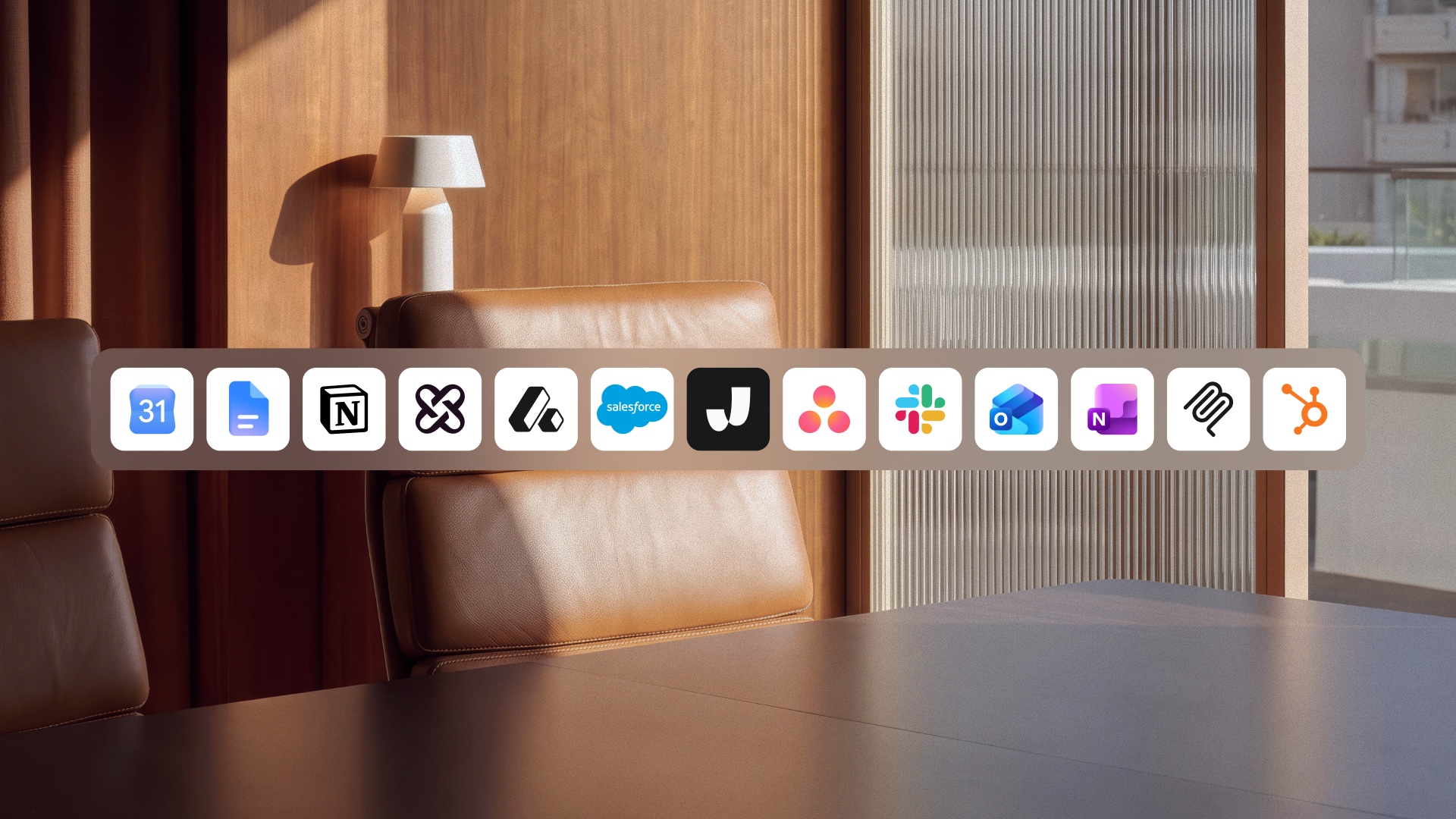
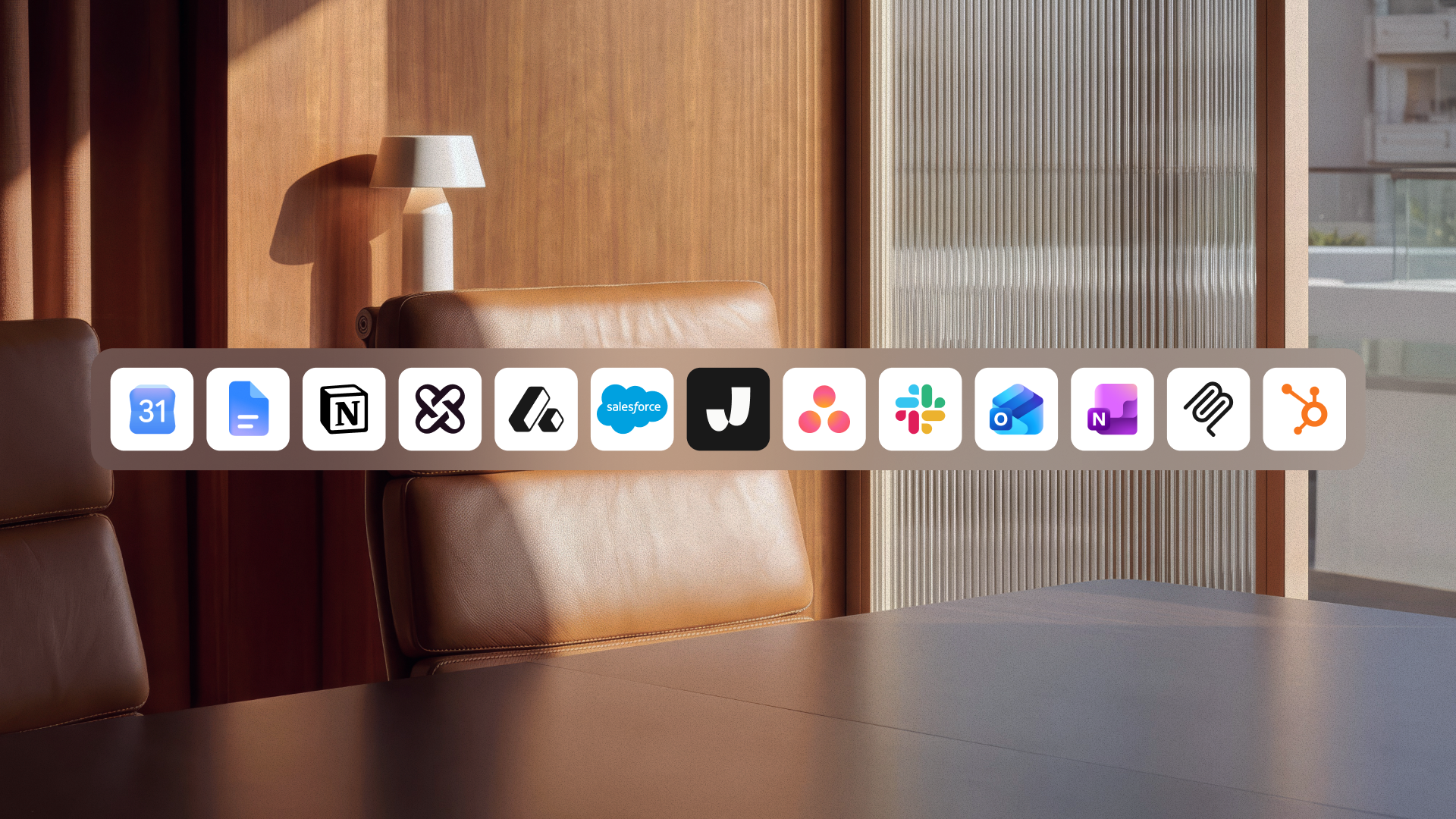
Jamie in a row of integration logos in a meeting room

Integrations

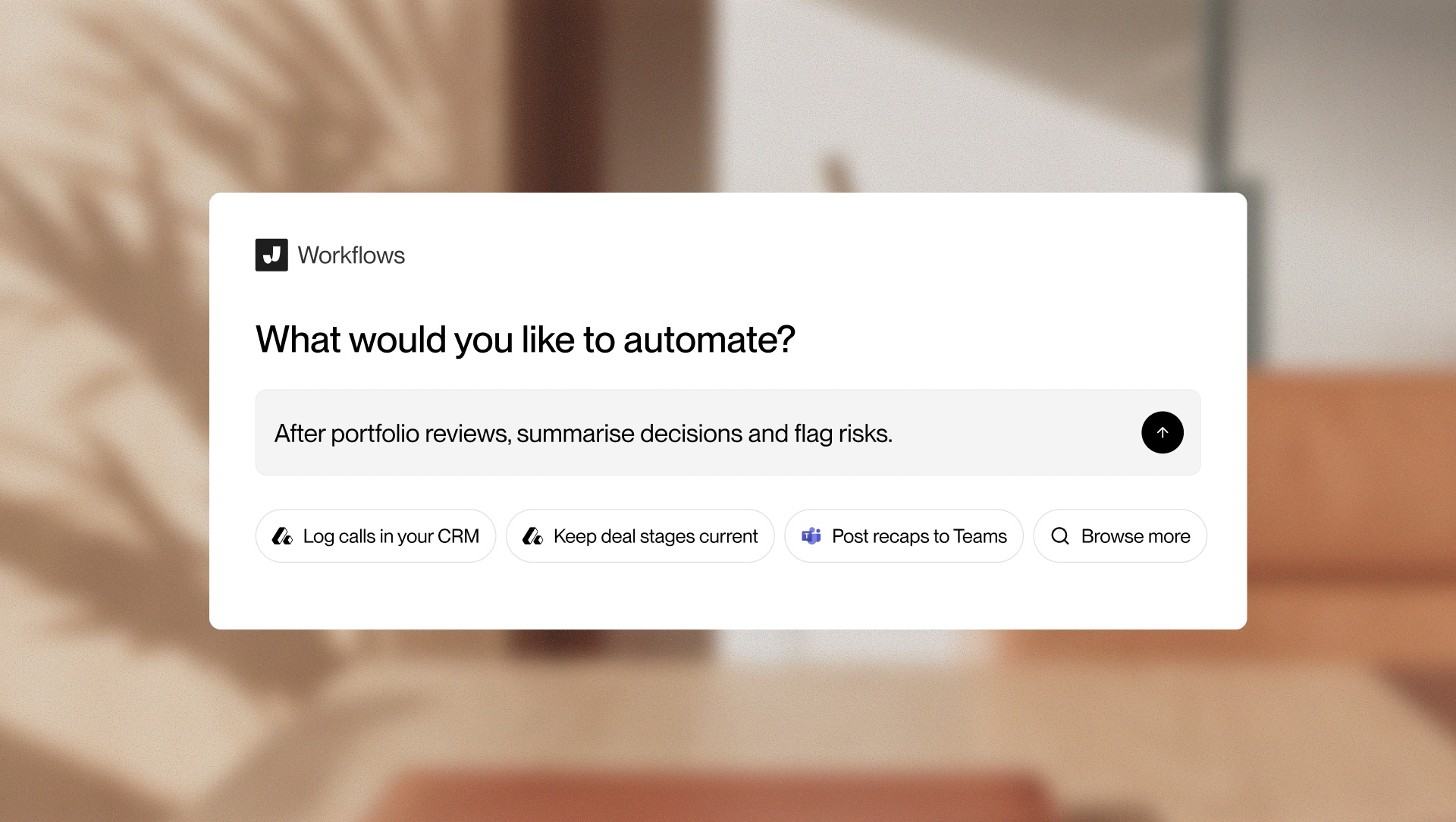
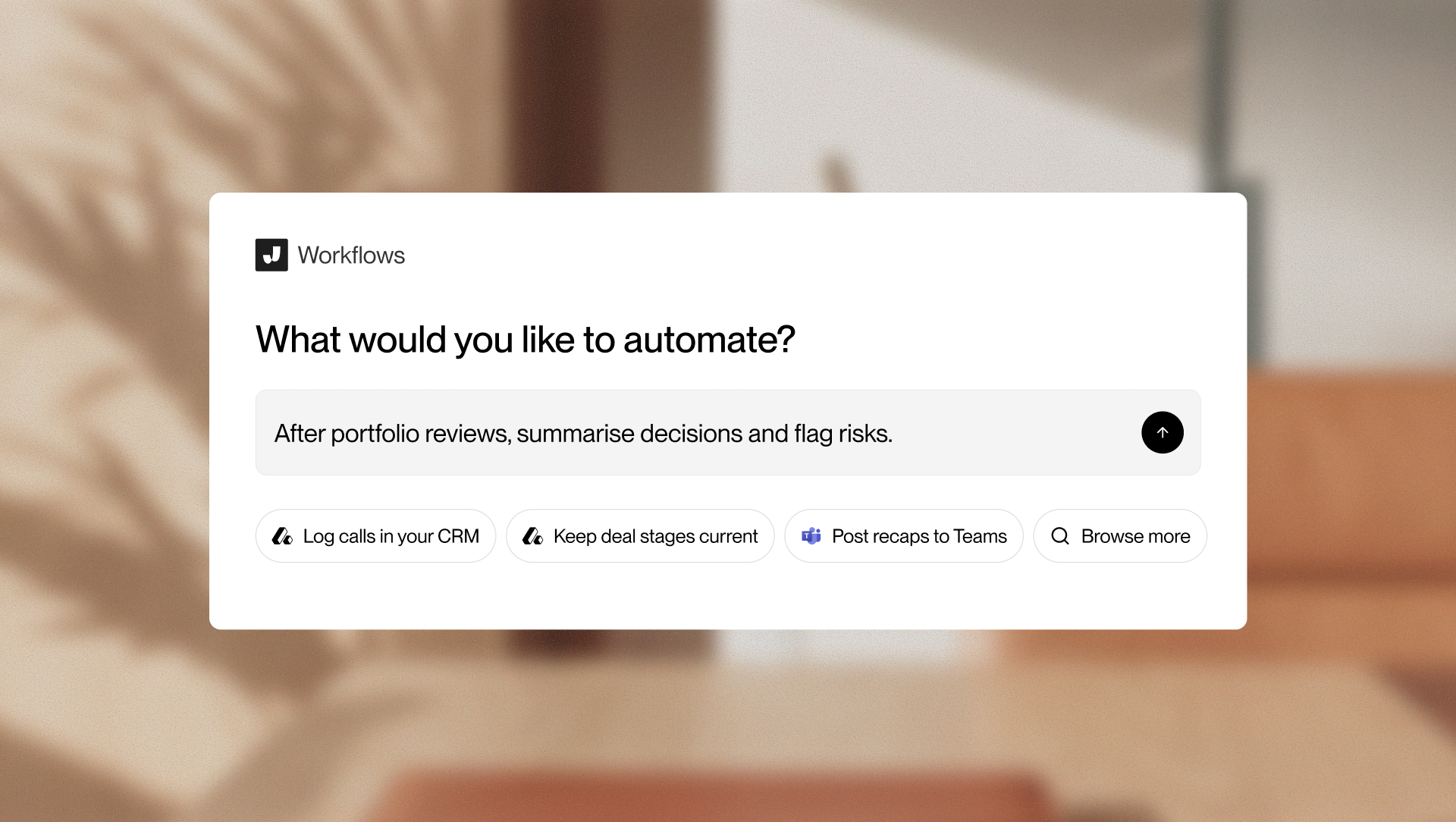
The Jamie workflow builder asking what to automate

Workflows

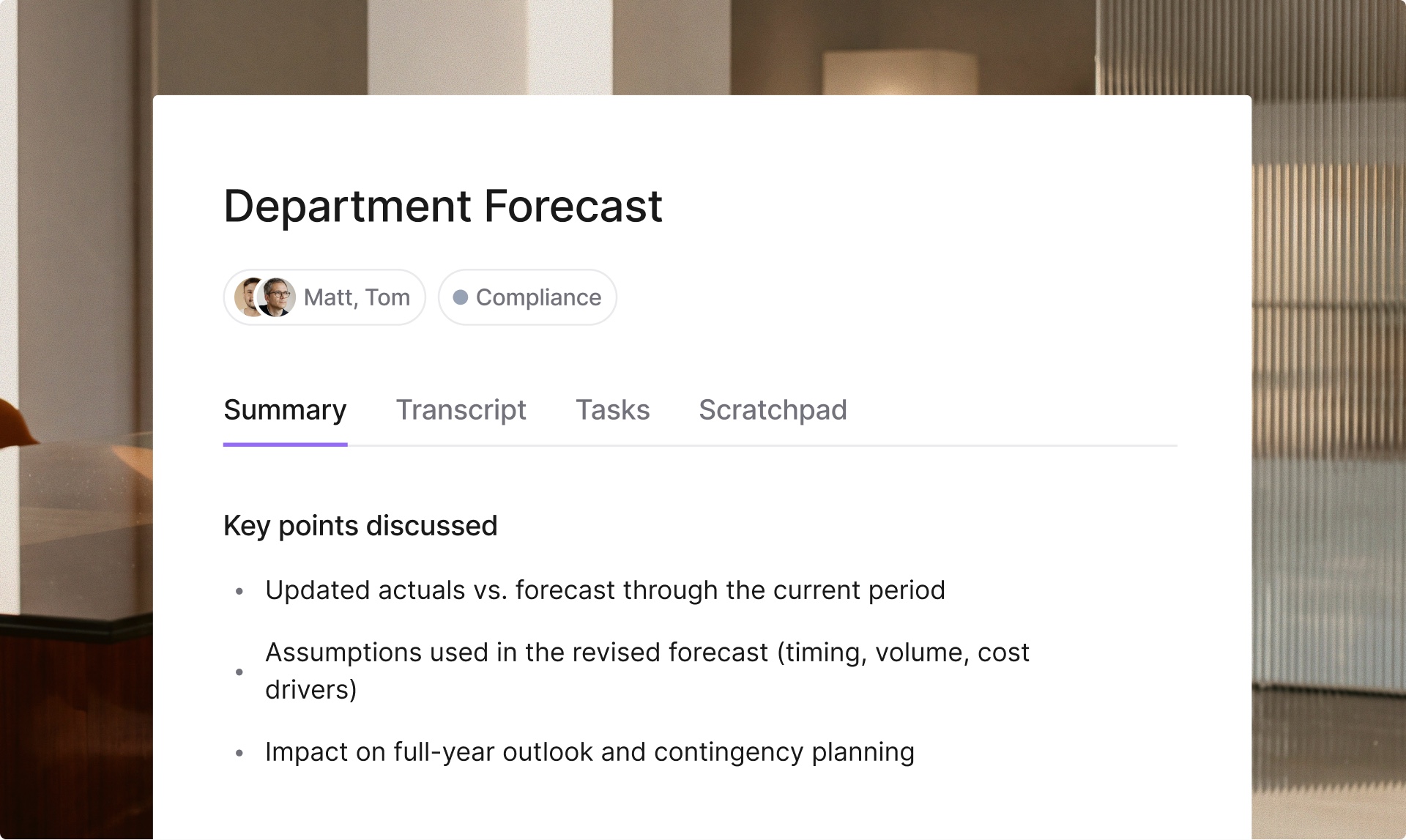
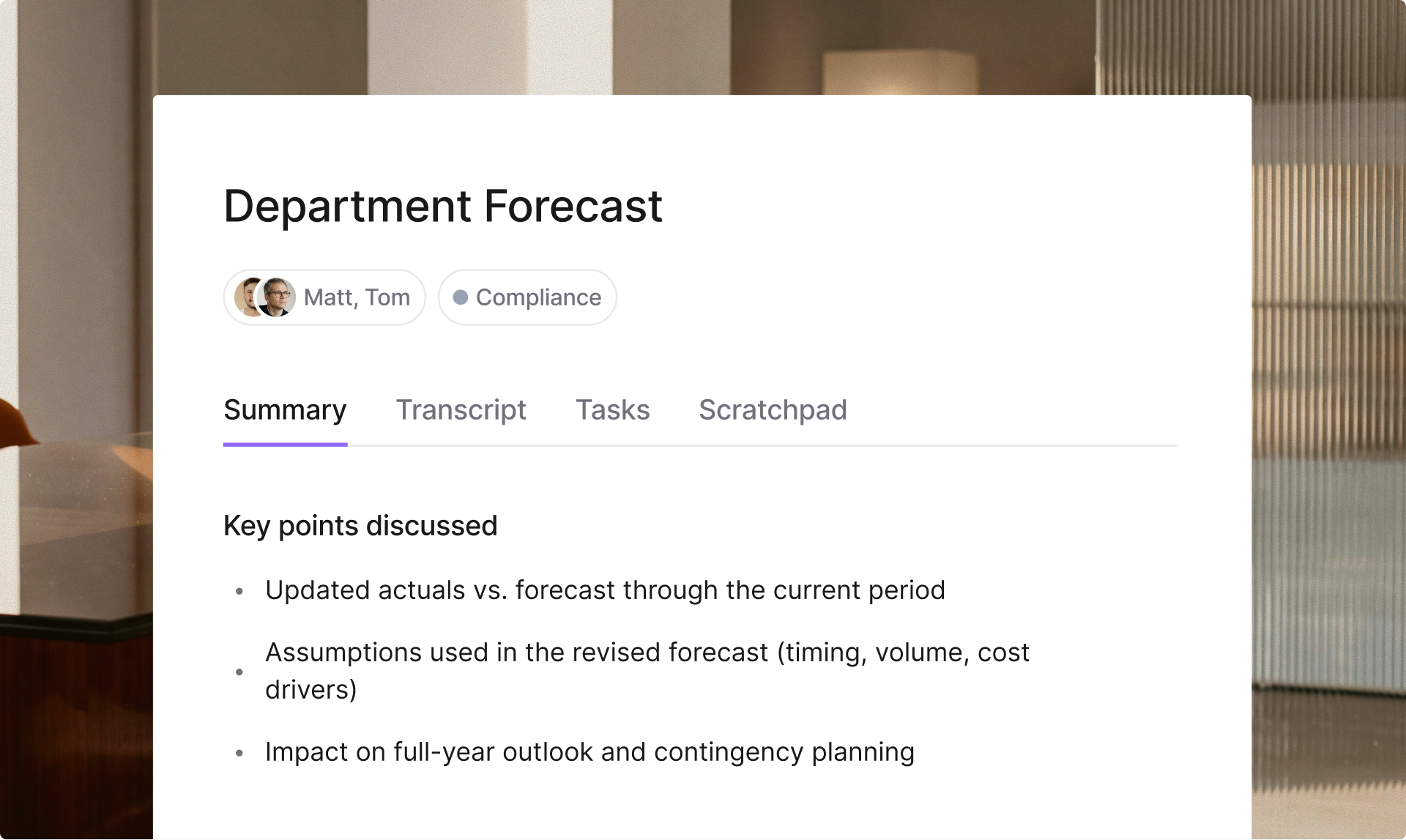
A Jamie meeting summary with key points discussed

Summary

Imagery

Use Jamie’s photography in articles, press releases, and social posts. Choose a portrait or a workspace to suit the story you’re telling.

A woman working on a laptop at a desk in warm light

Focused work

An empty meeting room with a leather chair and pendant light

Meeting room

Partnerships

Place Jamie beside the other mark with a thin divider between them. Keep at least half the height of the J clear on every side of the Jamie artwork.

JamieHunter Point Capital
Jamiesaas.group symbol

Pairing logos

Match wordmarks with wordmarks and symbols with symbols. Balance their visible size and leave enough space for each mark to stand on its own.

Hunter Point CapitalJamiesaas.group
Hunter Point Capital symbolJamiesaas.group symbol

Usage

Use the supplied artwork at its original proportions. These examples show changes that make the Jamie logo harder to recognise or read.
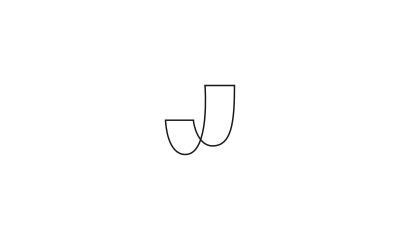

Don’t outline the J.
Don’t rotate or skew the symbol.
Keep gradients off the standalone logo.
Don’t reset the wordmark in another typeface.
Don’t recolor the logo.
Avoid backgrounds with too little contrast.
Don’t attach other words to the lockup.
Don’t use the symbol as the J in Jamie.
Keep the symbol and wordmark in proportion.